Google Veo 4: Everything You Need to Know
Google Veo 4 launched in April 2026 with storyboarding, 10–30 second clips, multi-angle generation, and real-time editing. Here's what it can do, how it compares to Veo 3.1, and whether it's right for your workflow.
TL;DR
Google Veo 4 is the most significant upgrade to the Veo family yet — storyboarding, 10–30 second clips, multi-angle generation, and real-time mid-generation editing, all in one model.
- ✅ Use it if: you need longer coherent clips, storyboard-to-video workflows, or multi-shot output from a single prompt
- ❌ Skip it if: you need sub-$0.10/second prototyping costs — Veo 3.1 Lite still wins on pure price
- Released April 2026 · Supports Text-to-Video and Image-to-Video · 10s–30s · Storyboarding · Advanced audio
What Is Google Veo 4?
Google Veo 4 is the fourth-generation model in Google DeepMind's video generation series, released in April 2026. It follows Veo (May 2024), Veo 2 (December 2024), and Veo 3 / Veo 3.1 (2025), and introduces three capabilities that none of its predecessors had: storyboarding, video durations up to 30 seconds, and real-time editing during generation.
The series timeline at a glance:
| Model | Release | Key Addition |
|---|---|---|
| Veo | May 2024 | First release — text-to-video |
| Veo 2 | December 2024 | Better motion, 1080p |
| Veo 3 | May 2025 | Native synchronized audio |
| Veo 3.1 | Early 2026 | Lite tier, improved pricing |
| Veo 4 ⭐ | April 2026 | Storyboarding, 10–30s clips, multi-angle, real-time editing |
Veo 4 doesn't just extend duration — it changes the production workflow. Where Veo 3.1 was a single-clip generator, Veo 4 is closer to a lightweight pre-production tool.
Veo 4 vs Veo 3.1: What Actually Changed?
The most important differences aren't the specs — they're the workflows they unlock.
| Feature | Veo 3.1 | Veo 4 |
|---|---|---|
| Max clip duration | 8 seconds | 10–30 seconds |
| Storyboarding | ❌ | ✅ Sketch + text → video |
| Multi-angle generation | ❌ | ✅ Multiple camera angles from one prompt |
| Real-time editing | ❌ | ✅ Adjust mid-generation |
| Native audio | ✅ | ✅ (improved) |
| Personalized avatars | ❌ | ✅ Upload photo + voice sample |
| Advanced physics | Limited | ✅ Fluid dynamics, cloth simulation |
| Architecture | Diffusion Transformer | Diffusion Transformer (updated) |
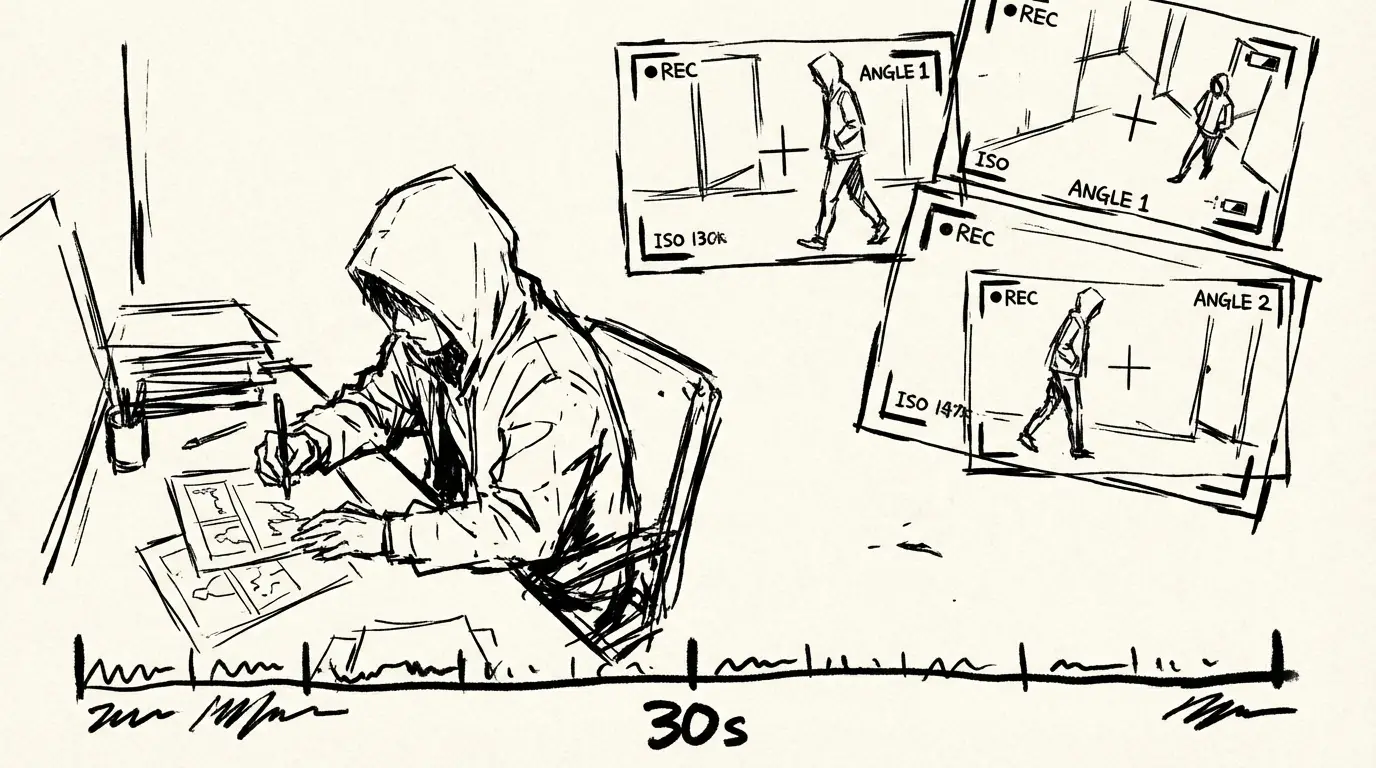
The duration jump is the most immediately practical change. At 8 seconds max, Veo 3.1 was best for social clips and ad snippets. At up to 30 seconds, Veo 4 can handle a full product demo, a short narrative scene, or a complete YouTube Short in a single generation pass.
Key Features in Depth
Storyboarding
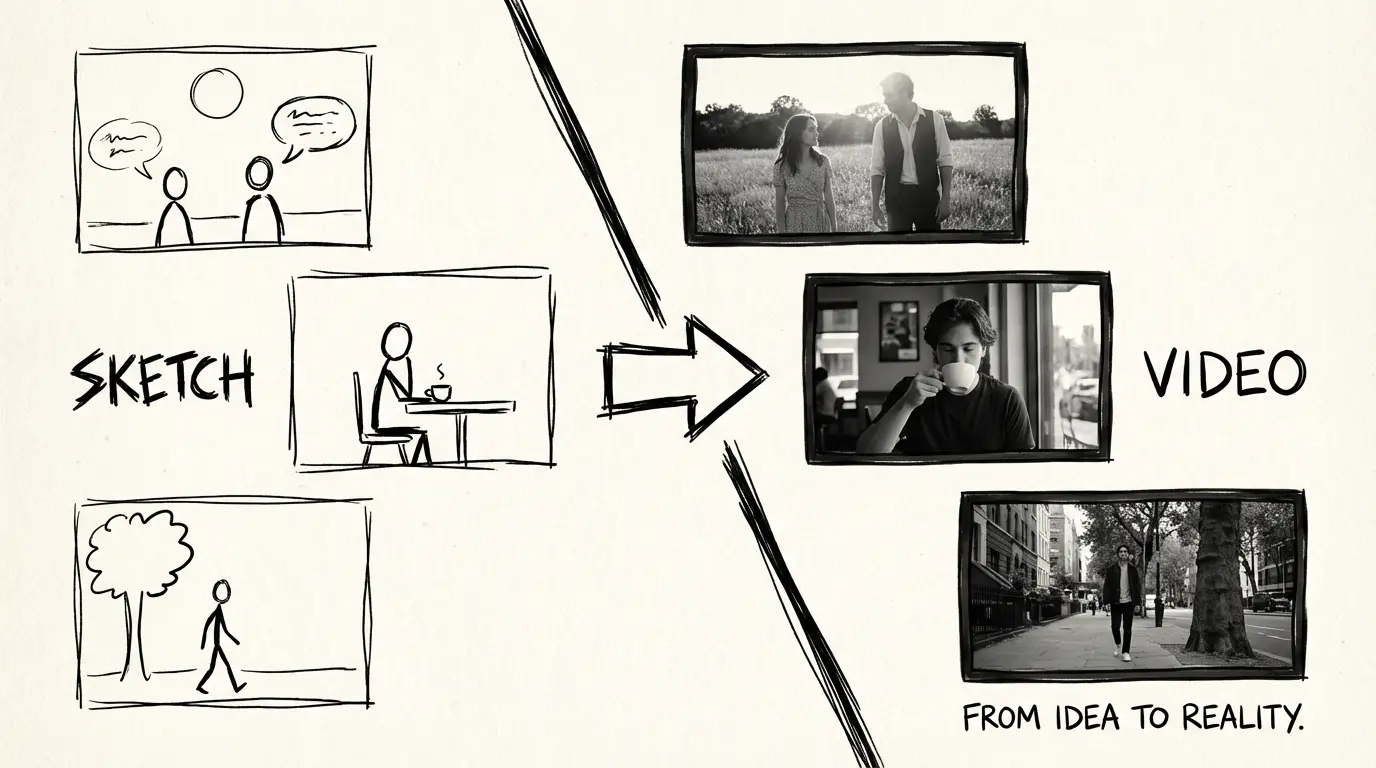
Veo 4 accepts sketch storyboards as input. You draw rough panel layouts, add a text description, and the model stitches them into a coherent video sequence — no keyframing, no manual transition work. This is the closest any public video generation model has come to a full script-to-screen pipeline.
The workflow: write a script → sketch storyboard panels → feed both to Veo 4 → get a complete rough cut. Iterate on the sketch, not on trial-and-error prompt rewrites.
10–30 Second Clips
Veo 4 generates clips between 10 and 30 seconds — compared to Veo 3.1's 4–8 second cap. This closes the gap with competitors like Sora 2 (up to 25 seconds) and opens up new content types:
- Full YouTube Shorts without clip-stitching
- 30-second broadcast ads
- Extended product demos
- Short narrative scenes with beginning, middle, and end
Coherence across 30 seconds is harder than coherence across 8 seconds — character appearance, lighting, and motion all need to stay consistent over a longer window. Veo 4's updated architecture handles this via an extended temporal context window in the latent diffusion process.
Multi-Angle Scene Generation
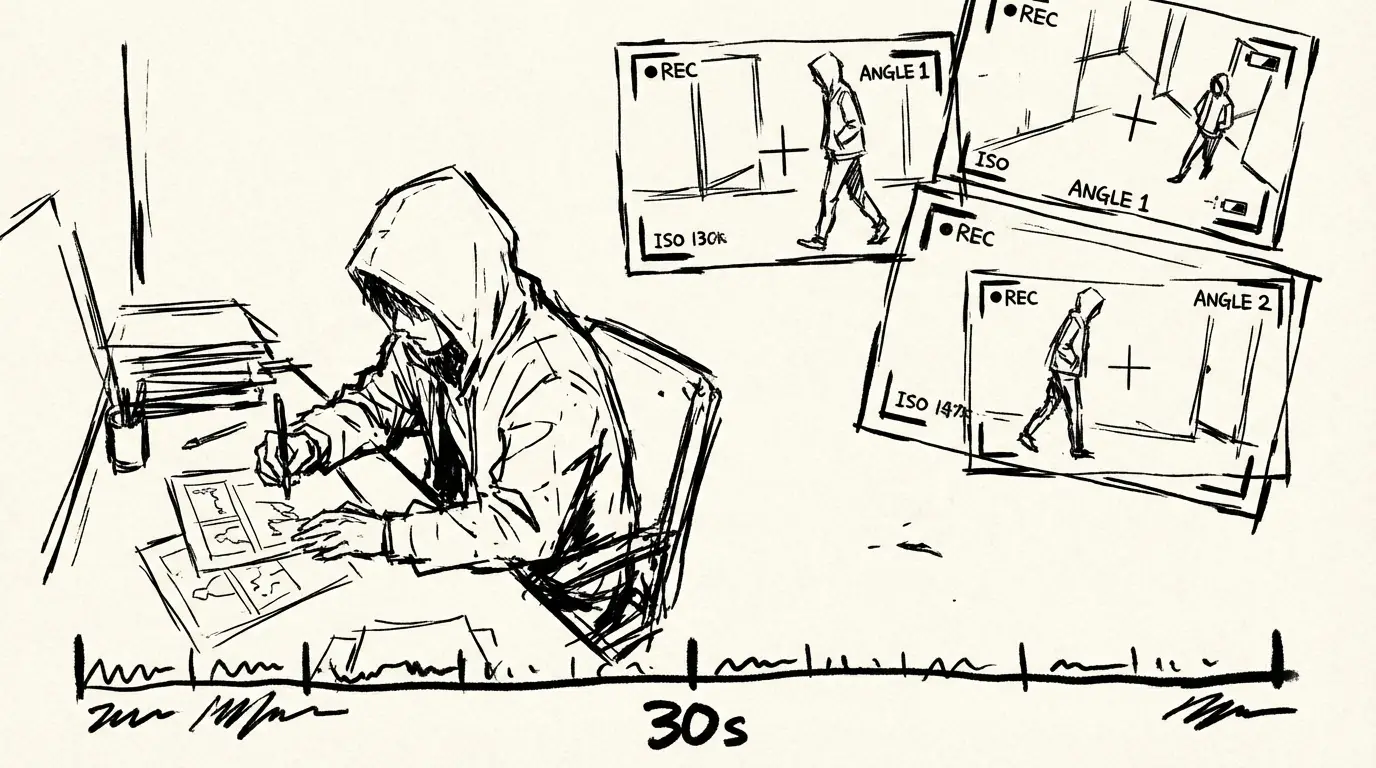
Write one prompt, get multiple camera angles. Veo 4 can generate the same scene from front, side, overhead, and reverse perspectives simultaneously — giving you the raw material for a proper edit without re-prompting for each angle.
This is significant for creators building product videos or narrative clips: instead of generating 5 separate clips and hoping they match, you get consistent lighting, subject appearance, and motion across all angles from a single generation call.
Real-Time Editing
Veo 4 allows you to adjust elements mid-generation, before committing to a final render. Change a character's clothing, shift the background environment, or alter camera framing — then continue generation from that point. This drastically reduces the number of full regeneration cycles needed to arrive at a usable clip.
This is the most workflow-changing feature in Veo 4. In previous models, every change meant starting over. In Veo 4, iteration happens inside the generation process itself.
Personalized Avatars & Voice Cloning
Upload a photo and a voice sample — Veo 4 generates video featuring a consistent digital representation of the subject, with accurate facial expressions, synchronized lip movements, and natural-sounding voice. This is designed for:
- Brand spokespersons (real or AI-generated)
- Consistent hosts across a video series
- Localized content using the same avatar with different languages
The avatar remains visually consistent across camera angles and across separate generations — something previous models couldn't reliably do.
Advanced Physics Simulation
Veo 4 ships with improved simulation of:
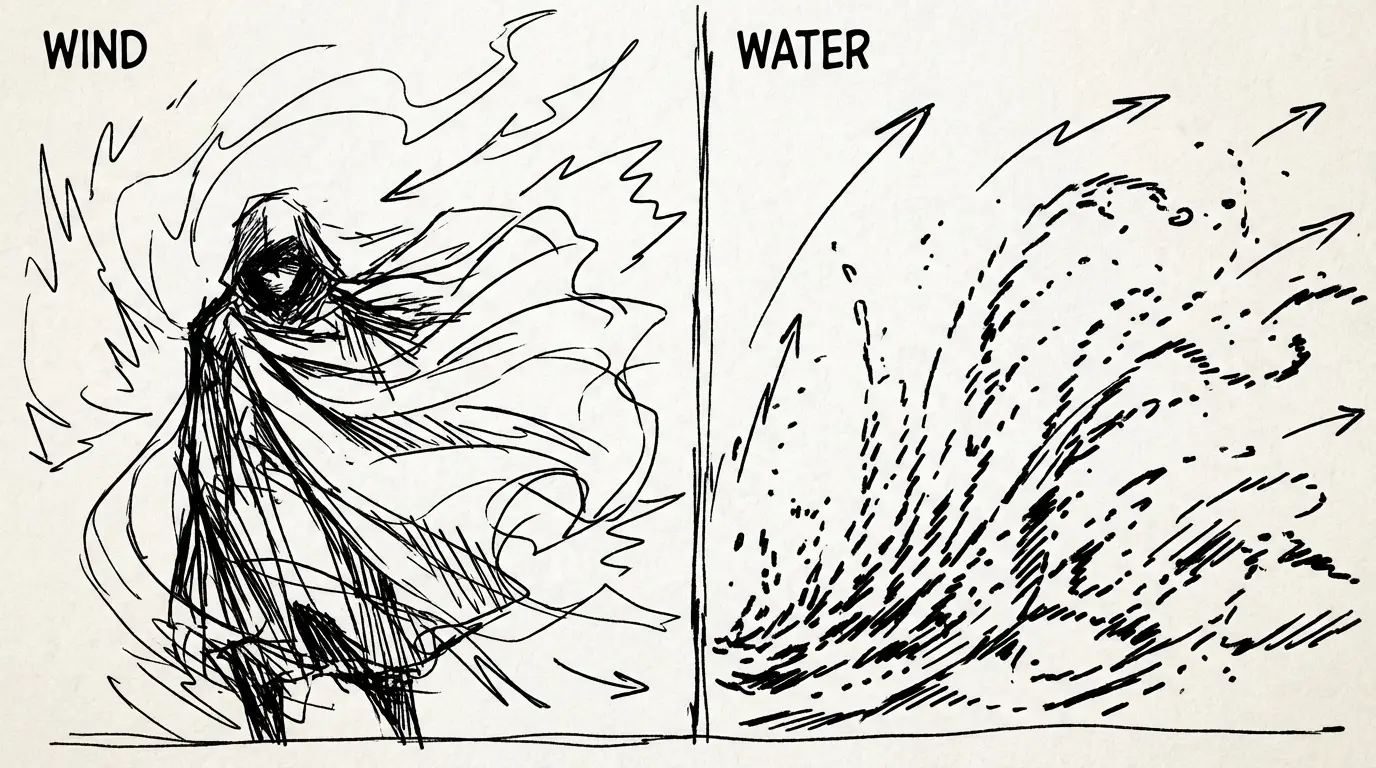
- Fluid dynamics — water surfaces, rain, smoke, fire, and liquid splashes behave realistically
- Cloth simulation — fabric drapes, folds, and moves naturally with character motion
- Rigid body interaction — objects collide and interact with the environment correctly
These are the artifacts that make AI video look "uncanny" in previous models. Veo 4 addresses them directly.
Who Should Use Veo 4?
| Use Case | Recommended Model |
|---|---|
| 30-second product ads | Veo 4 |
| Narrative short films | Veo 4 |
| Storyboard-to-video production | Veo 4 |
| Multi-angle shoot coverage | Veo 4 |
| Social clips under 8 seconds, cost-sensitive | Veo 3.1 Lite |
| Rapid prototyping at low cost | Veo 3.1 Lite |
| Maximum quality final deliverable | Veo 4 or Veo 3.1 Standard |
The smart workflow: rough storyboard in Veo 4, identify the winning shot angles using multi-angle generation, then use real-time editing to tighten before final render.
How Veo 4 Compares to Other Models
| Feature | Veo 4 | Veo 3.1 | PixVerse V6 | Wan 2.7 | Kling 3.0 |
|---|---|---|---|---|---|
| Max clip duration | 30s | 8s | 15s | 15s | 10s |
| Storyboarding | ✅ | ❌ | ❌ | ❌ | ❌ |
| Native audio | ✅ | ✅ | ✅ | ❌ | ❌ |
| Multi-angle generation | ✅ | ❌ | ❌ | ❌ | ❌ |
| Real-time editing | ✅ | ❌ | ❌ | ❌ | ❌ |
| Personalized avatars | ✅ | ❌ | ❌ | ❌ | ❌ |
| Parameterized camera controls | ✅ | ❌ | ✅ 20+ | ❌ | Limited |
| First/last frame control | ❌ | ❌ | ❌ | ✅ | ❌ |
| Open source | ❌ | ❌ | ❌ | Planned | ❌ |
| Best for | Full production pipeline | Low-cost audio clips | Camera control | FLF2V | Cinematic quality |
In short:
- Veo 4 → best for full production workflows, long-form narrative, storyboard-to-video, multi-angle shoots
- Veo 3.1 Lite → best for cost-sensitive audio clip generation and social content
- PixVerse V6 → best for parameterized camera control and multi-shot sequences
- Wan 2.7 → best for first/last frame composition and multi-reference consistency
- Kling 3.0 → best for pure cinematic output quality
How to Use Veo 4
Option 1: Use Veo 4.0 (no API setup needed)
Go to the Veo 4.0 video generator on this platform. Write your prompt or upload a storyboard sketch, choose duration (10–30 seconds) and aspect ratio, and generate. No API key or developer account required.
Option 2: Access via Gemini API
You need a paid Gemini API tier. Pass a storyboard image and/or text prompt to the video generation endpoint with your desired duration and aspect ratio. Longer clips incur higher compute costs — plan accordingly.
Option 3: Use Google AI Studio
Go to Google AI Studio, select Veo 4 from the model dropdown, and generate directly in the browser. Best for one-off experiments before committing to API integration.
Known Limitations
- Pricing: Longer clips mean higher costs per generation. At 30 seconds, the compute overhead is significantly higher than an 8-second Veo 3.1 Lite clip.
- Storyboard input format: The sketch-based input requires specific formatting — freehand napkin sketches may not produce reliable results without some structure.
- Avatar fidelity: Personalized avatars are strong on frontal shots; profile views and extreme angle changes can degrade likeness accuracy.
- Access: Veo 4 is launching with limited availability through the Gemini API paid tier. Broader public access may follow in phases.
- No open source: Unlike Wan 2.7 (which has planned open-source releases), Veo 4 is proprietary and API-only.
Try Veo 4 Now
This platform gives you direct access to Veo 4 without Gemini API setup. Generate 10–30 second clips, try storyboard-to-video workflows, and use multi-angle output to build a complete rough cut — all from your browser.
→ Generate with Veo 4.0 — no setup required.
Related Reading
- Veo 3.1 Lite — Half the cost of Veo 3.1 Fast, ideal for social content and high-volume prototyping
- Veo 3.1 Lite Prompt Guide — Shot types, camera moves, and 20+ copy-paste prompts
- Veo 3.1 Lite Prompt Guide — Shot types, camera moves, and 20+ copy-paste prompts for Veo 3.1 Lite
- Veo 3.1 Lite Image-to-Video Guide — Animate product photos with controlled motion and audio
FAQ
Disclosure
Feature information is based on Google DeepMind's official announcements and publicly available information about Veo 4 as of April 2026. Pricing data for Veo 4 API access has not been officially published at the time of writing — refer to Google's official AI pricing page for current rates. Platform credits pricing reflects Veo 4.0's current rates and may change.
Written By

More Articles
Google Veo 3.1 Lite: Half the Cost of Veo 3.1 Fast, Same Speed
Google launched Veo 3.1 Lite on March 31, 2026 — the most affordable model in the Veo family at $0.05/sec for 720p. Here's what it can do, what it can't, and whether it's right for your workflow.
Veo 3.1 Lite Image-to-Video: Turn Product Photos Into Clips in Under a Minute
How to use Veo 3.1 Lite's image-to-video mode to create product demos, social media content, and brand videos from still photos — with real examples and workflow tips.
Veo 3.1 Lite Prompt Guide: 20+ Ready-to-Use Prompts for Cinematic AI Video
Learn exactly how to prompt Veo 3.1 Lite for cinematic results. Covers shot types, camera movement, audio, and 20+ copy-paste prompts across genres — no fluff.