LogoSeedance 3 Video
  • Create
  • Agent
  • AI Image
  • AI Video
  • Pricing
Resources
  • Blog
  • Create
  • Scenes
  • Works
  • Prompts
  • Image to Prompt
  • Batch Image to Prompt
Company & Legal
  • About
  • Contact
  • Privacy Policy
  • Terms of Service
  • Refund Policy
Image Models
  • Z-Image
  • GPT-4o
  • Flux 2
  • Flux 2 Pro
  • Flux 2 Klein
  • Qwen Image 2
  • Seedream 4.0
  • Seedream 4.5
  • Seedream 5.0
  • Grok Imagine
  • Nano Banana Pro
  • Nano Banana Flash
  • Nano Banana 2
Video Models
  • Google Veo 3.1
  • Google Veo 3.1 Lite
  • Google Veo 3.1 Pro
  • Seedance 1.5 Pro
  • Seedance Fast
  • Seedance Quality
  • Seedance 2.0
  • Hailuo 02
  • Kling v2.6
  • Kling v2.5 Turbo
  • Kling v2.1
  • Kling v2.1 Master
  • Kling O1
  • Kling v3.0
  • Kling v3.0 Pro
LogoSeedance 3 Video

Powered by Seedance 3 Video AI | Fast Video Generation | Professional Quality

TwitterX (Twitter)DiscordEmail

Seedance 3 Video is an independent AI video generation platform. We are not affiliated with ByteDance, Seedance, Kling, Google, MiniMax, Alibaba, or other third-party model providers. Model names are used only to describe compatibility and routing options available on this site.

© 2026 Seedance 3 Video All Rights Reserved. DREAMEGA INFORMATION TECHNOLOGY LLC

发布于November 2025

Unified AI Image Generation Workspace

Generate polished, professional AI images in under 60 seconds. Start with a text prompt or reference photo, switch between leading image models mid-project, and tweak outputs without leaving your current work tab.

加载中...

提示词:

auto

1:1

2:3

3:2

3:4

4:3

4:5

5:4

9:16

16:9

21:9

模型:
分辨率

加载中...

场景示例 1
Streamlined Sequential Image Generation

Select Your Model, Refine Your Creative Vision, Generate Images Fast

Start by outlining your visual target, then pick the image model that matches your prompt workflow, editing depth, and desired output style.

01

Outline Your Image Target

Start by mapping out your subject, layout, and intended use case—from product photography and event posters to social media graphics and concept art.

02

Upload Reference Images for Tighter Precision

Add one or more reference images any time product identity, exact framing, unique style, or text placement calls for more intentional, focused control over your final output.

03

Generate Drafts and Switch Models Seamlessly

Create your initial draft, then switch to another model family if you need sharper text, a specific realism level, or more powerful editing tools.

Core Benefits of This Image Generation Workspace

Create AI Images Without Committing to One Model Too Early

Use this workspace when your visual target is clear but you’re unsure which image model will deliver the strongest results. Create quickly, compare outputs smoothly, and explore more detailed options only once you’ve found a model that matches your exact requirements.

Leading Image Model Families All-In-One Generator

Swap between GPT-4o, Seedance, Seedream, Flux, Qwen, and Z-Image without restarting your entire generation workflow.

Compare leading image model families all within one unified workspace.
Switch models more quickly when an initial output fails to meet your standards.
Stick to practical model selections, not just theoretical options.

Text-Only & Reference-Driven Workflows All In One Place

Start with a prompt, or add reference images when exact shape, framing, or product identity needs extra creative oversight.

Use text-to-image for a crisp, unguided initial draft.
Use image-to-image once you already have a set visual direction.
Keep your prompt and reference images working together seamlessly.

Perfect for Layout, Text, and Campaign Design

Some projects need clear, legible text or strict prompt adherence, while others call for a cinematic or ultra-polished visual vibe.

Choose GPT-4o for text-focused visual projects.
Pick Seedream or Flux for varying degrees of visual polish.
Compare model families before locking in your campaign creative vision.

Hosted Simplicity First, Advanced Model Tools Down the Line

If a specific image model aligns with your needs, you can navigate to its dedicated page for more detailed prompt examples, validation, and customized workflow support.

Remain focused on versatility when speed is your top priority.
Adjust your workflow down the line when model-specific accuracy is most critical.
Keep your initial generation process straightforward and intuitive.
Top Creative Use Cases

Top Use Cases for This All-In-One AI Image Generation Tool

These are the most commonly used AI image generation tasks for creators who favor a unified workspace over single-model standalone tools.

Product & Packaging Imagery

Build product hero shots, retail mockups, e-commerce still lifes, and core campaign visuals.

Posters & Social Media Graphics

Design launch posters, ad layouts, and platform-specific graphics where text readability and intentional layout are critical.

Reference-Driven Image Edits

Start with one or more reference images and tweak style, materials, color palette, framing, or background to align with your creative vision.

Concept Boards & Art Direction

Use multiple models to compare mood, finish, and visual tone before locking in your core creative vision.

Prompt examples

Prompt Templates for Common AI Image Generation Tasks

Use these prompts as launch points for your AI image creation, then switch models if your output needs sharper text, adjusted realism, or more powerful editing tools.

Product Photography

适合的提示词方向

Ideal for crisp product still lifes and premium e-commerce visuals.
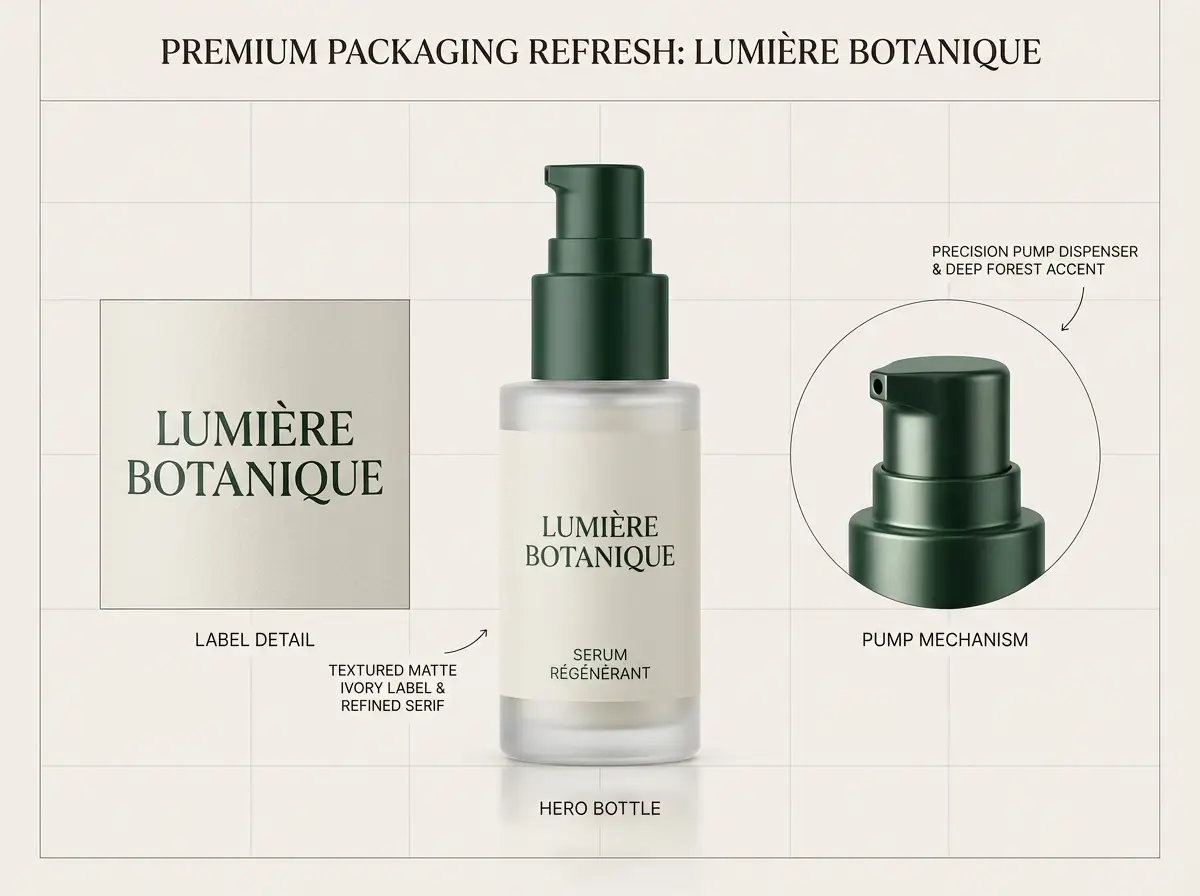
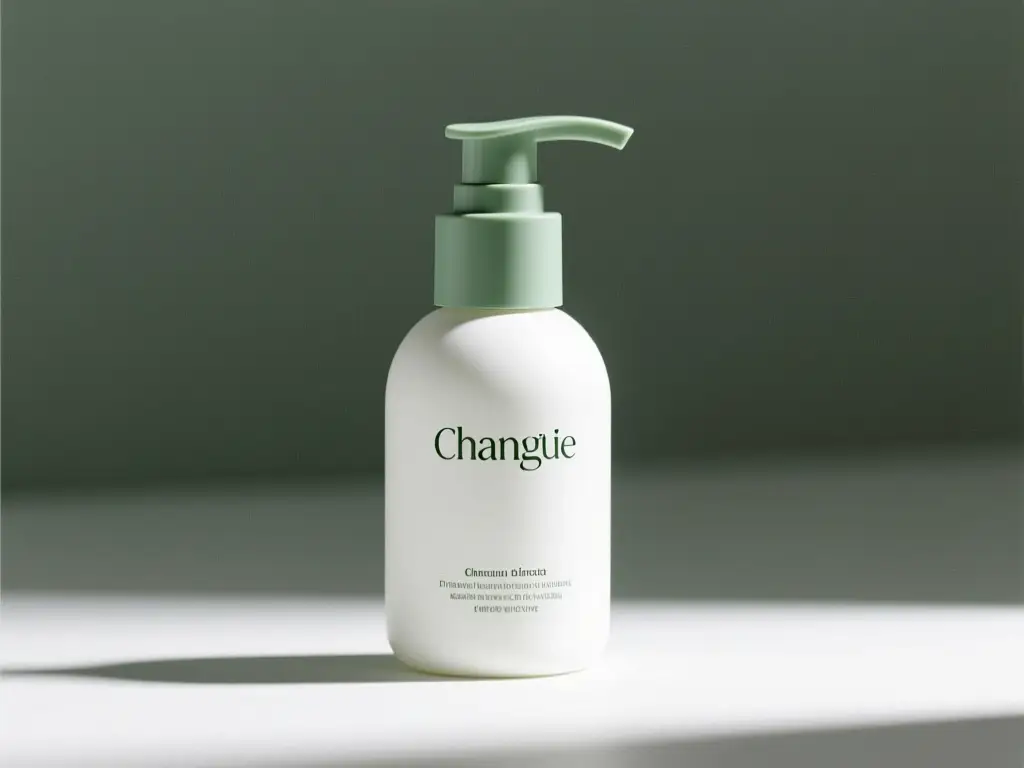
Luxury Packaging Hero Shot

Luxury Packaging Hero Shot

提示词公式

[product] + [surface/background] + [lighting] + [finish] + [usage context]

查看提示词细节展开

完整提示词

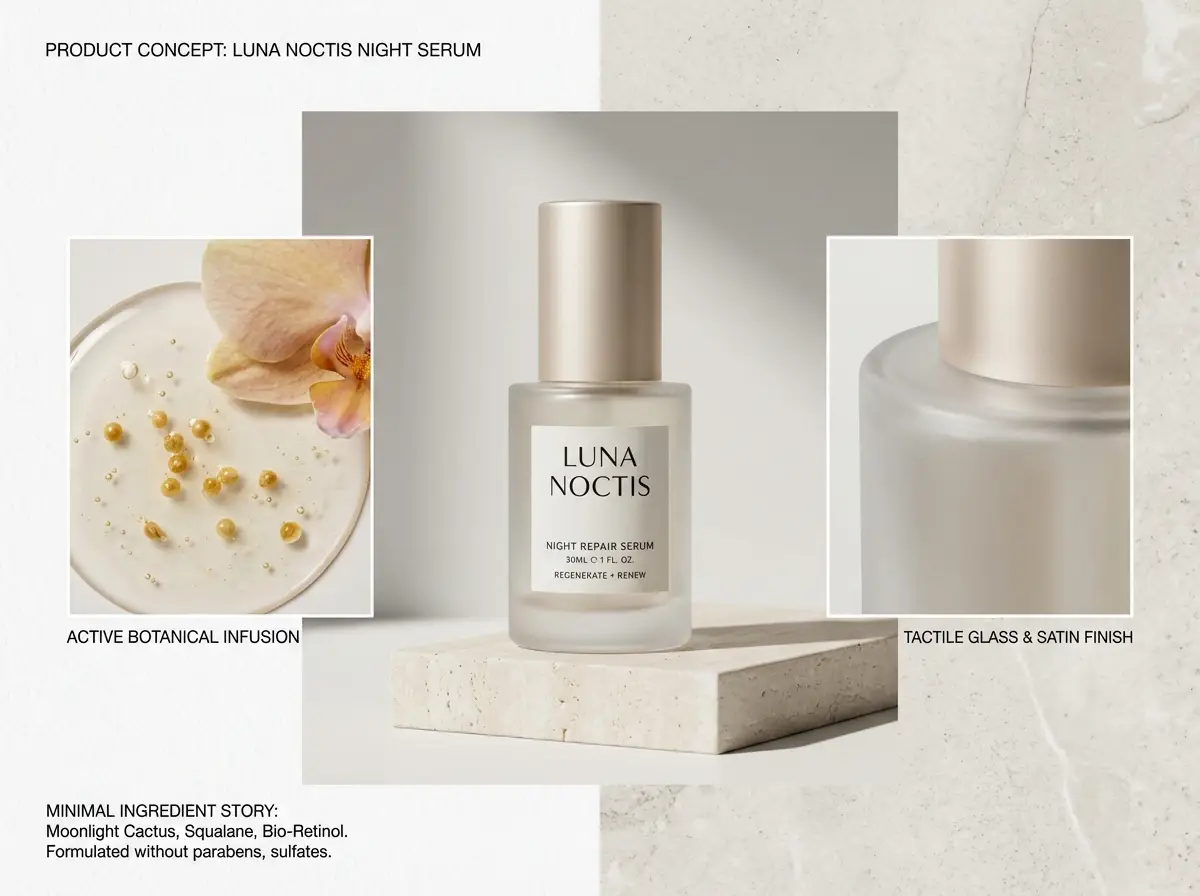
A luxury skincare bottle resting on a warm stone plinth, soft directional studio lighting, subtle shadow gradient, clean e-commerce hero shot, realistic surface reflections, modern luxury packaging, minimalist background, polished commercial photography finish

为什么有效

This prompt is detailed, material-focused, and clear about lighting and commercial finish needs.

预期输出

A polished product shot ideal for a landing page hero, product detail page, or ad mockup.

提示

  • Pinpoint your product and surface first before setting the overall mood.
  • Add material-specific terminology like glass, matte, brushed metal, or paper stock.
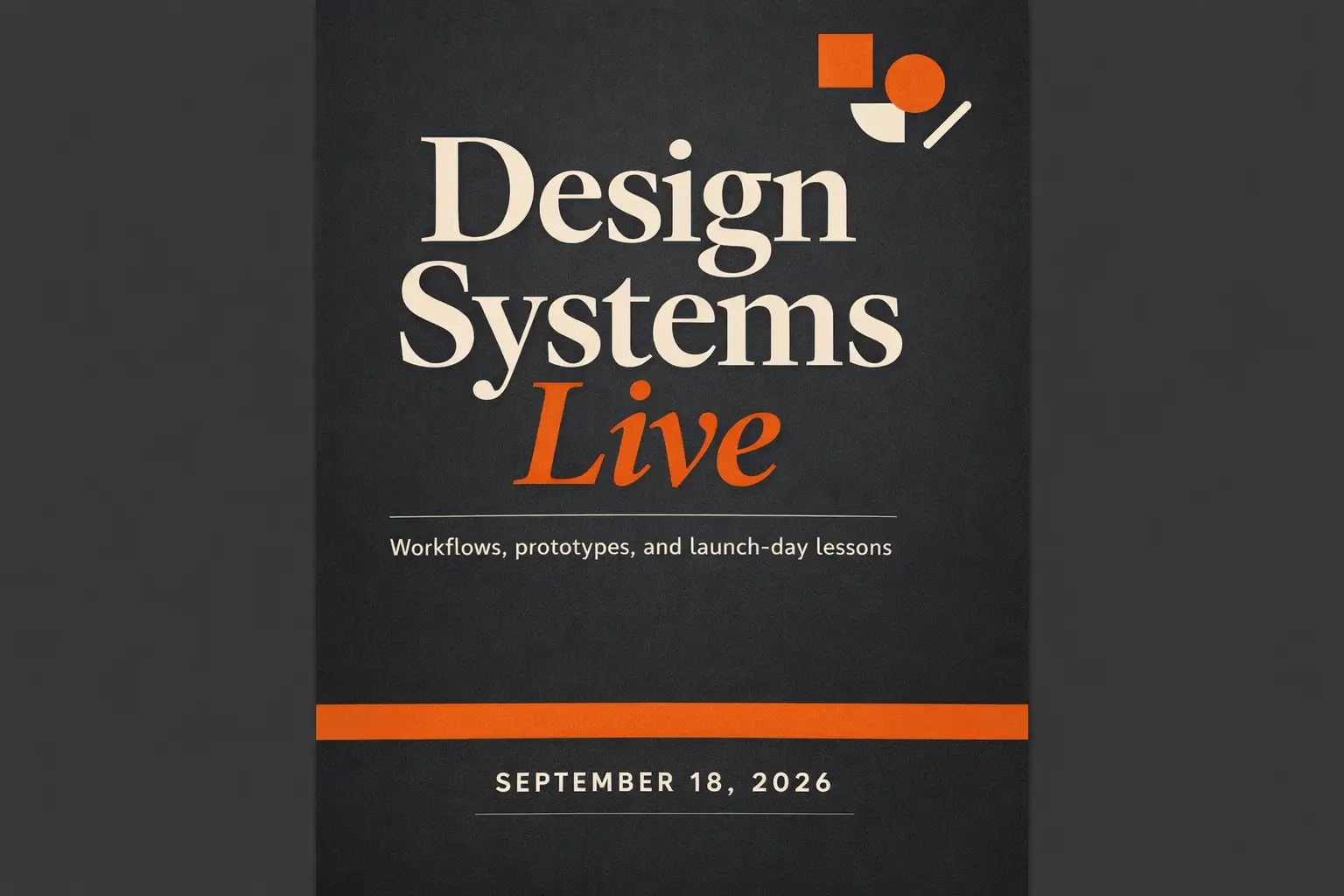
Text-Heavy Poster

适合的提示词方向

Perfect when your headline, text hierarchy, and poster layout are just as critical as the visual artwork.

Conference Launch Poster with Clear, Legible Headline

Conference Launch Poster with Clear, Legible Headline

提示词公式

[subject] + [headline text] + [layout hierarchy] + [background style] + [poster intent]

查看提示词细节展开

完整提示词

Modern design conference launch poster, bold headline "Design Shift 2026", smaller subhead "Creative Systems for Teams", prominent centered text hierarchy, black background with neon cyan and silver accents, premium editorial poster layout, easy-to-read typography, balanced spacing

为什么有效

This prompt splits poster content, text hierarchy, and visual treatment instead of bundling all details into generic style language.

预期输出

A text-focused poster concept with tighter layout guidance and sharper typography.

提示

  • Add exact text in quotation marks when wording is critical to your project.
  • Map out text hierarchy separately from colors and overall tone.
Image-to-Image Edit

适合的提示词方向

Ideal for targeted edits where your base object or layout must stay instantly recognizable.

Reference-Driven Packaging Refresh

Reference-Driven Packaging Refresh

提示词公式

[what stays] + [what changes] + [new style/material/color direction]

查看提示词细节展开

完整提示词

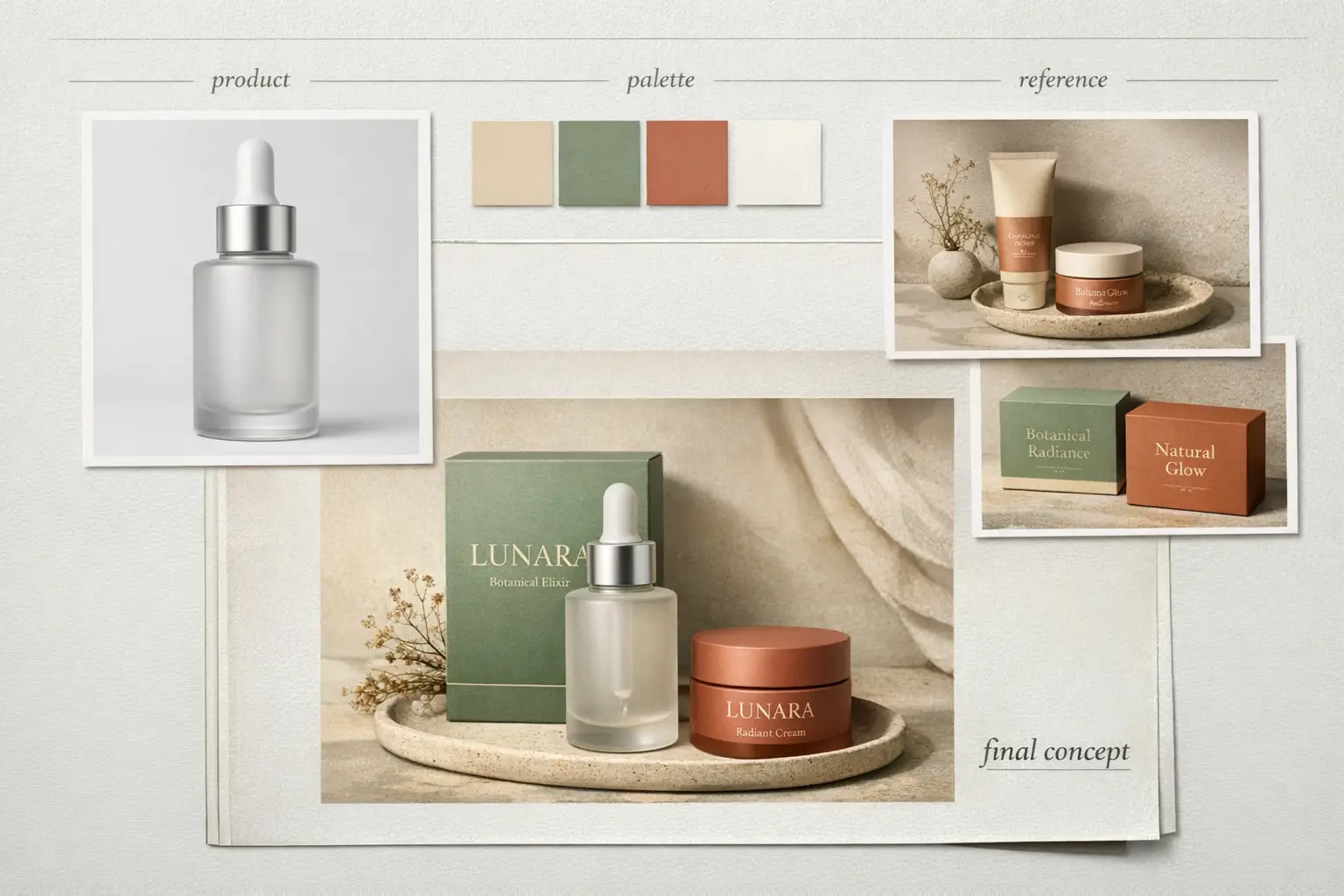
Keep the bottle shape, front-facing layout, and cap structure from the reference photo. Tweak the packaging to matte white with desaturated sage accents, softer editorial studio lighting, elevated premium skincare branding, cleaner retail presentation, and subtle shadow control

为什么有效

This prompt first maps out which elements must stay consistent before requesting the edit, reducing unintended visual adjustments.

预期输出

A targeted refresh that preserves product identity intact while upgrading the overall visual system.

提示

  • Prioritize consistent elements first in your prompt.
  • Draft your edit request with more detail than your initial creative concept.
Campaign Creative

适合的提示词方向

Perfect for polished editorial campaigns where mood, finish, and styling drive the overall visual impact.

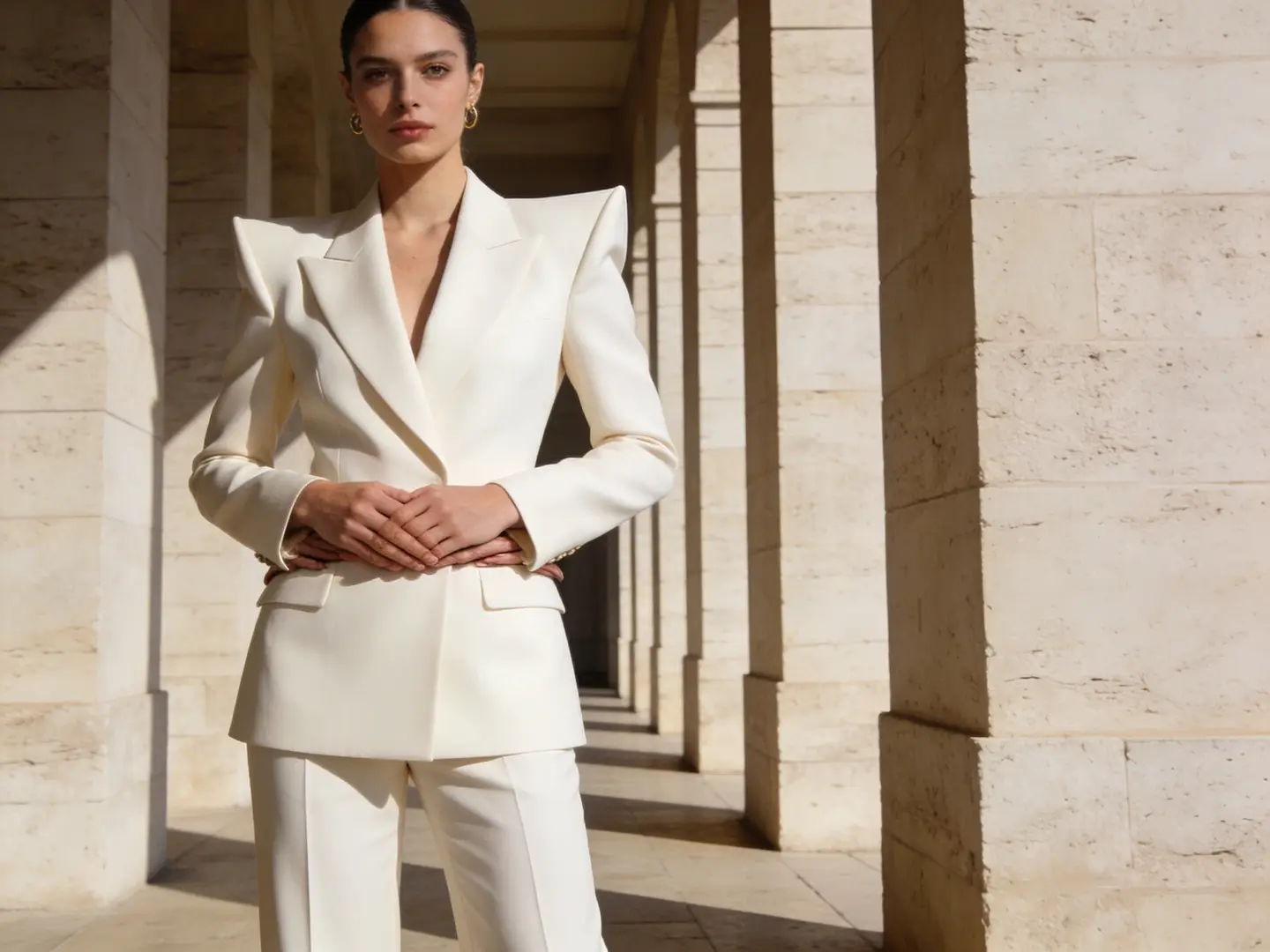
Luxury Fashion Campaign Shot

Luxury Fashion Campaign Shot

提示词公式

[subject] + [styling] + [camera feel] + [lighting] + [campaign finish]

查看提示词细节展开

完整提示词

Editorial fashion campaign shot, self-assured model in structured cream tailoring, medium frame, luxury boutique lighting, subtle shadow falloff, glossy magazine-grade finish, premium styling, muted color palette, high-resolution campaign image for a luxury brand launch

为什么有效

This prompt gives the model a clear editorial use case, limited color palette, and premium finish objective.

预期输出

A polished campaign-style shot you can repurpose for lookbooks, ads, or hero banners.

提示

  • Focus on a single strong fashion or commercial context instead of multiple overlapping ideas.
  • Stick to a limited color palette for a luxurious, cohesive final output.
When To Use This Image Generation Workspace

Use This Workspace to Compare Models & Create Images Fast

Use this workspace when your workflow is clear but you’re unsure which model will deliver the strongest results. Start with a broad approach, then narrow your focus once a model family matches your exact requirements.

Use This Workspace for Unified AI Image Creation

Perfect if you want to switch between text-to-image and image-to-image quickly, compare multiple model families, and keep a simplified workflow.

Use a Dedicated Model Page Once You’ve Selected Your Tool

Navigate to a model-specific page when you’ve already decided you want GPT-4o, Z-Image, Seedream, Flux, or Seedance and need more detailed prompt templates or model-specific validation.

Creator Community Insights

Community Examples & Model Talks for AI Image Creation

These videos, X posts, and Reddit threads show how creators compare image models in real-world workflows, not just reviewing technical specification papers.

视频示例

X 帖子

Reddit 讨论

FAQs

常见问题

All About Seedance 3 Video and Our Official Platform

What can I generate here?

You can build text-to-image and image-to-image assets entirely within one workspace, then switch models at any stage to land on a one-of-a-kind prompt outcome, sharper text, or a unique visual style.

Which image models are available?

Choose from GPT-4o, Seedance Pro, Seedance 2, Seedream, Flux, Qwen Image, Z-Image, and Seedance Flash—each optimized to match your unique workflow needs.

Can I use reference images here?

Absolutely. This workspace supports reference-image workflows, meaning you can start with just text or add multiple reference photos any time layout, product shape, or subject identity calls for more exact creative control.

How do I choose the right model?

Start with GPT-4o first if sharp text clarity and strict prompt following are your top priorities. Pick Seedance for powerful hosted editing tools and multi-image context support. Opt for Seedream for polished, campaign-ready visuals, Flux for flexible art direction, and Z-Image if open-source model workflows align with your creative objectives.

Do all models support the same ratios and inputs?

Absolutely not. This tool will only show aspect ratios, image upload caps, and resolution presets that your currently selected model natively supports.

When should I use this page instead of a dedicated model page?

Pick this page if you want to jump straight into generation and compare multiple image models without extra hassle. Move over to a dedicated model page once you’ve settled on a specific tool and want more detailed prompt examples and customized, model-specific guidance.

Still have unanswered questions? Our dedicated support team is here to help you

Join Discord
Key Navigation Paths

Top Dedicated Image Model Hub Destinations

Navigate to a dedicated image model page once a specific family aligns with your creative goals.

GPT-4o AI Image Generator

Perfect for projects where text readability, diagram generation, and precise prompt following are critical.

查看模型

Seedance Pro

Ideal for premium hosted image generation and powerful multi-image editing tools.

查看模型

Seedance 2

Excellent for grounded generation or when you need more detailed, richer image context.

查看模型

Seedream 4 AI Image Generator

Perfect for polished, campaign-ready visuals and a unique hosted image generation feel.

查看模型

Z-Image AI Generator

Ideal for open-source model workflows and when you want to shift to self-hosted implementation down the line.

查看模型

Flux 2 AI Image Generator

Perfect if you want an alternative route to polished art direction and prompt-led image generation.

查看模型

Start Your AI Image Creation Today

Pick a model, add a prompt or reference image, and create your first draft right above.

探索更多 AI 图片风格

从 90 种艺术风格中发现更多 AI 图片创作可能,多种模型与提示词助你创作

热门风格

查看全部 →
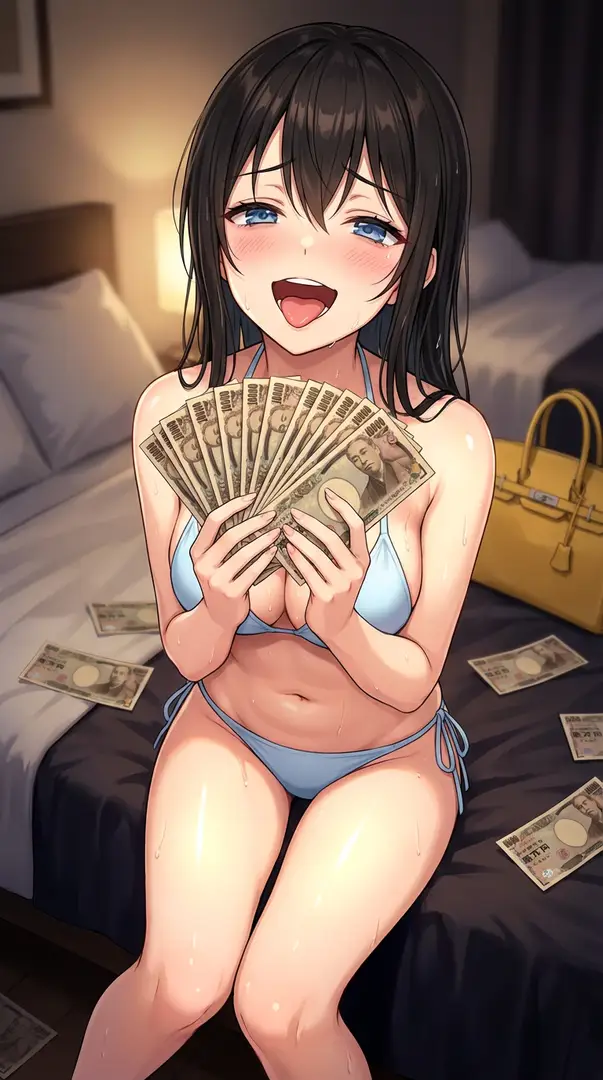
闪光灯摄影中的奢华现金扇肖像——高能量夜间生活照闪光灯摄影中的奢华现金扇肖像——高能量夜间生活照闪光灯摄影中的奢华现金扇肖像——高能量夜间生活照闪光灯摄影中的奢华现金扇肖像——高能量夜间生活照
上升
10
开始创作

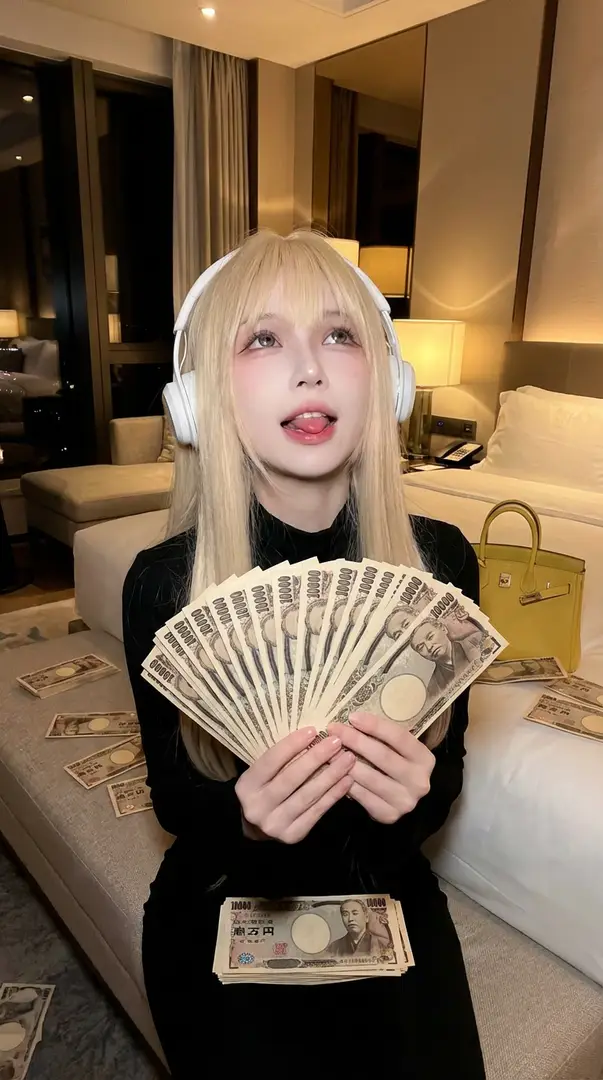
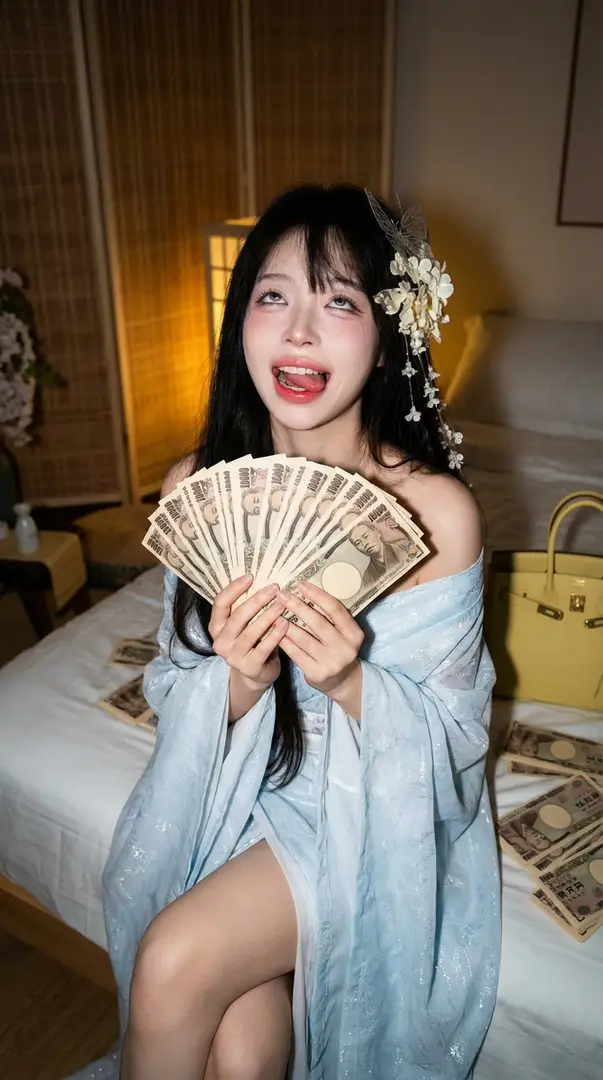
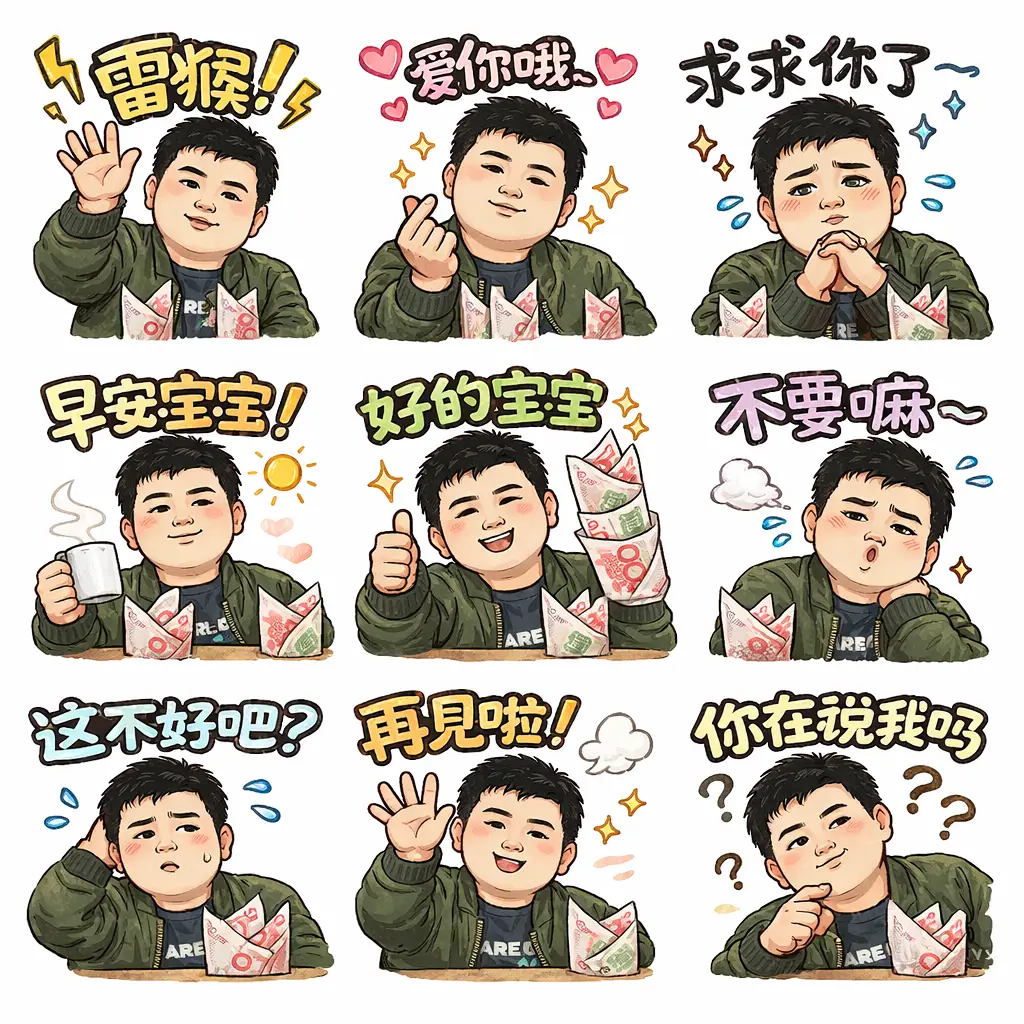
闪光灯摄影中的奢华现金扇肖像——高能量夜间生活照

创作一幅受夜间闪光灯摄影启发的高能量奢华生活方式肖像。主体坐在床沿,手持扇开的一叠日元钞票,表情夸张且充满庆祝感。暖色调人工照明、设计师配饰及近距离低角度闪光灯设置,营造出生动且令人向往的氛围,视觉效果与参考图严格一致。

5mo ago
创作
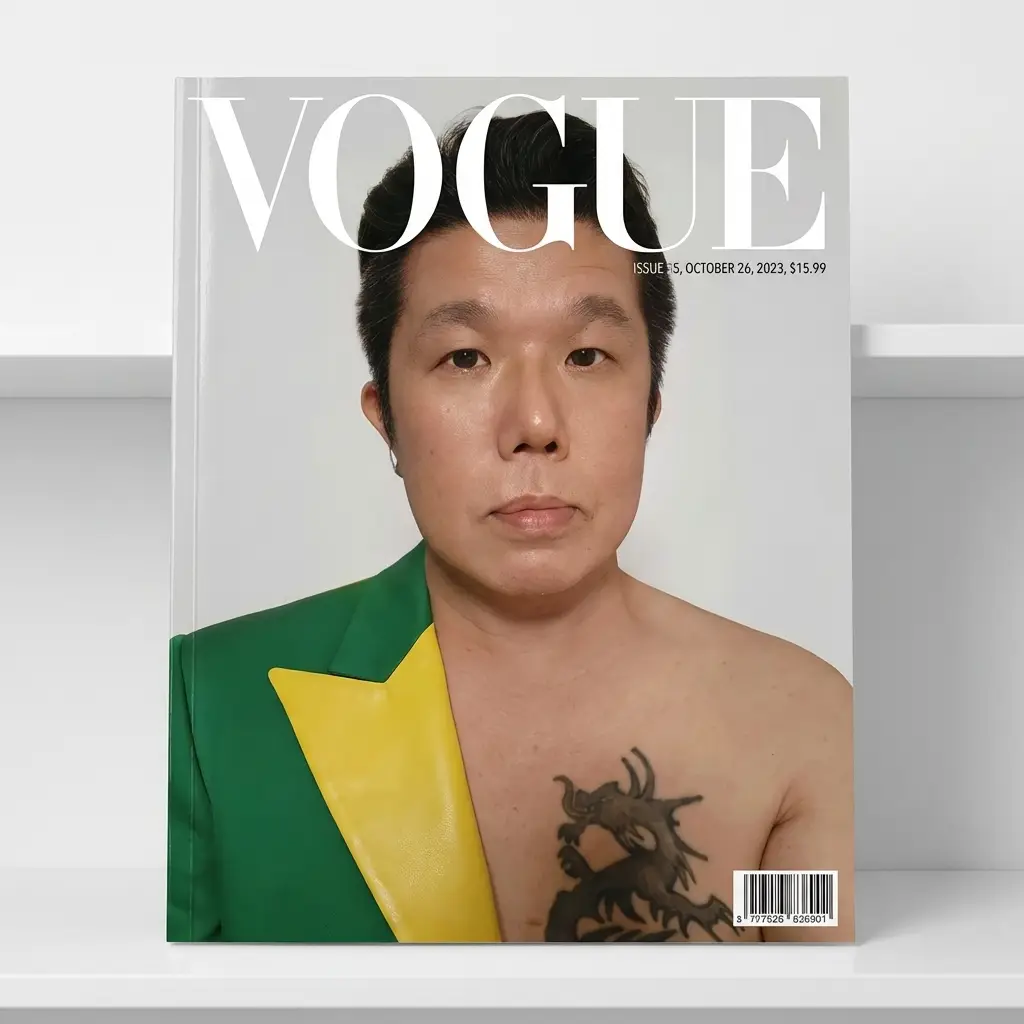
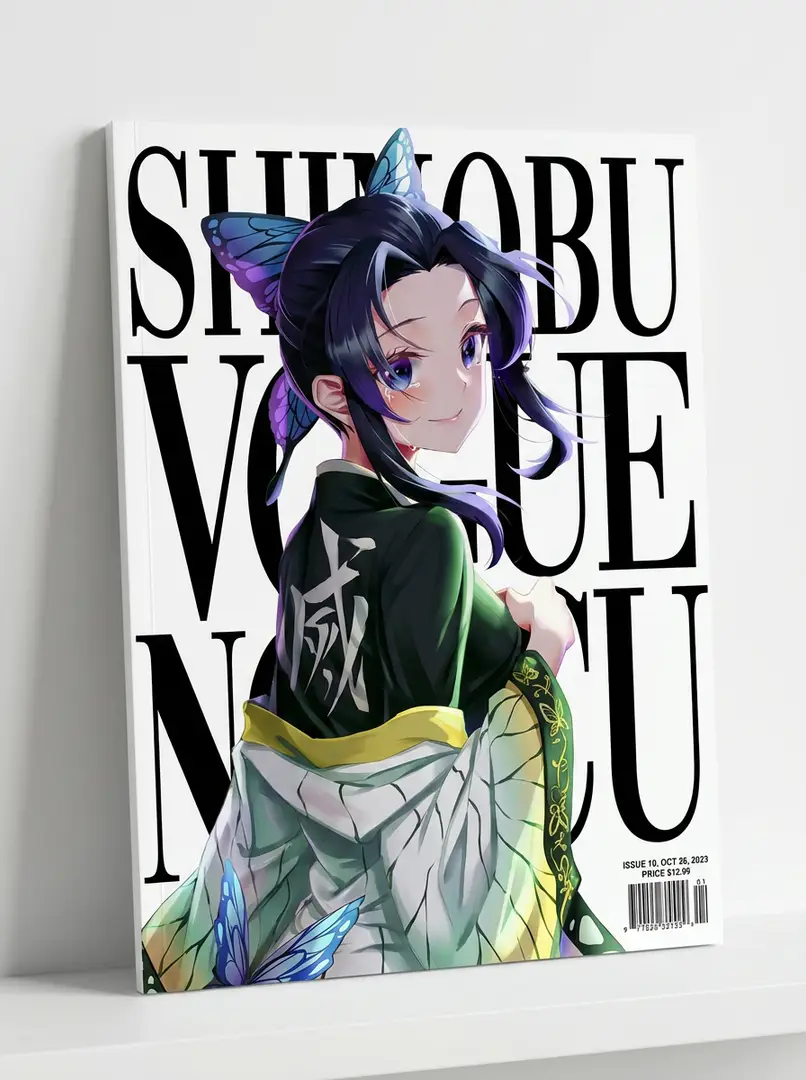
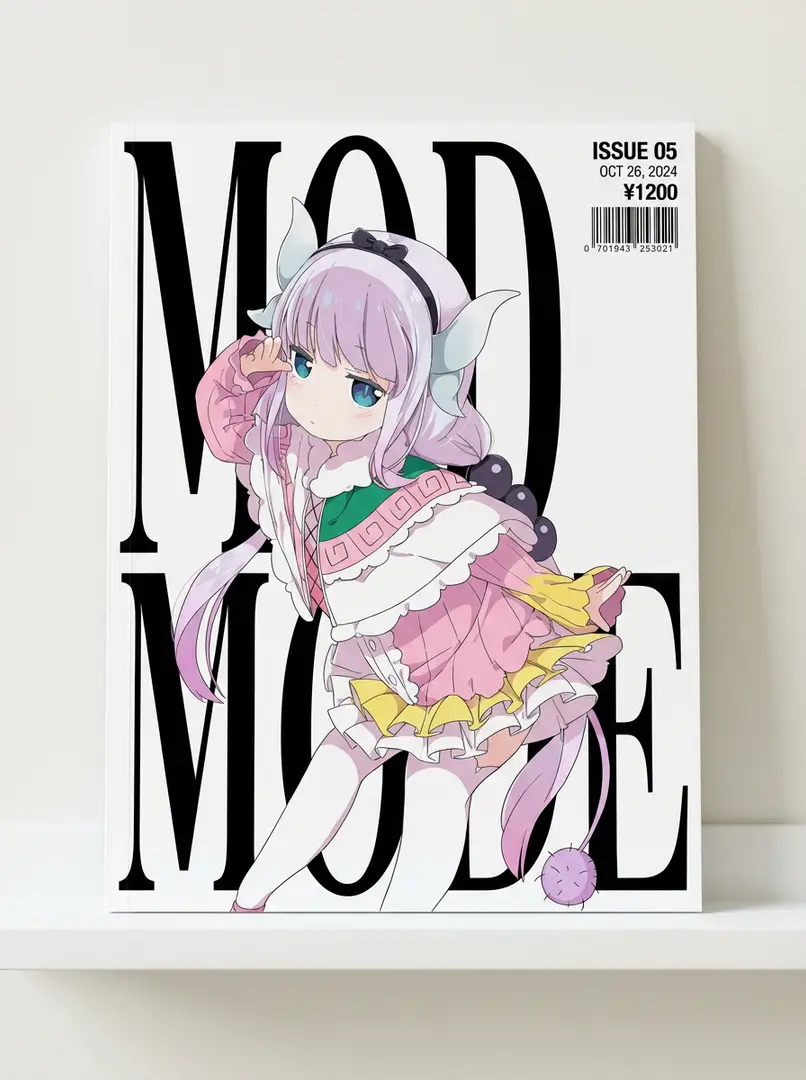
人物杂志封面设计人物杂志封面设计人物杂志封面设计人物杂志封面设计
新品
5
开始创作

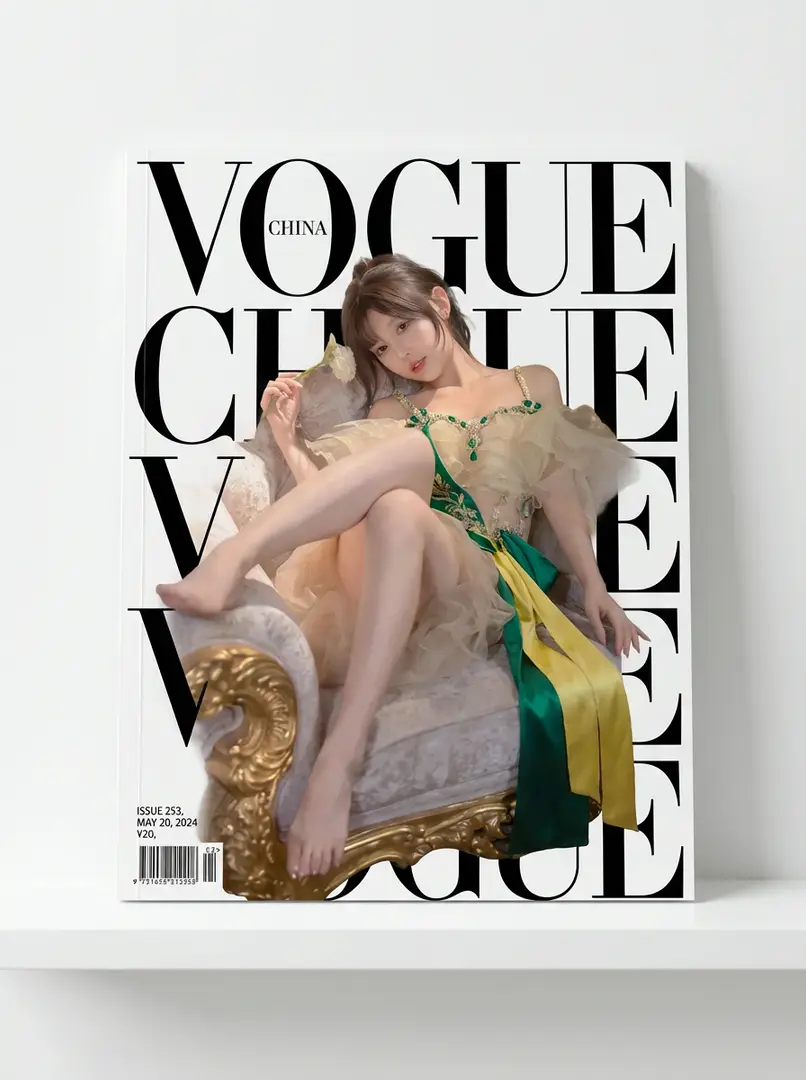
人物杂志封面设计

以参考图人物为主角,沿用脸型五官发型姿态,服装妆容参考原图或点缀绿黄;杂志封面有粗体文字,人物在前遮挡部分文字,角落有期号日期等,置于白架靠墙拍摄。

5mo ago
创作
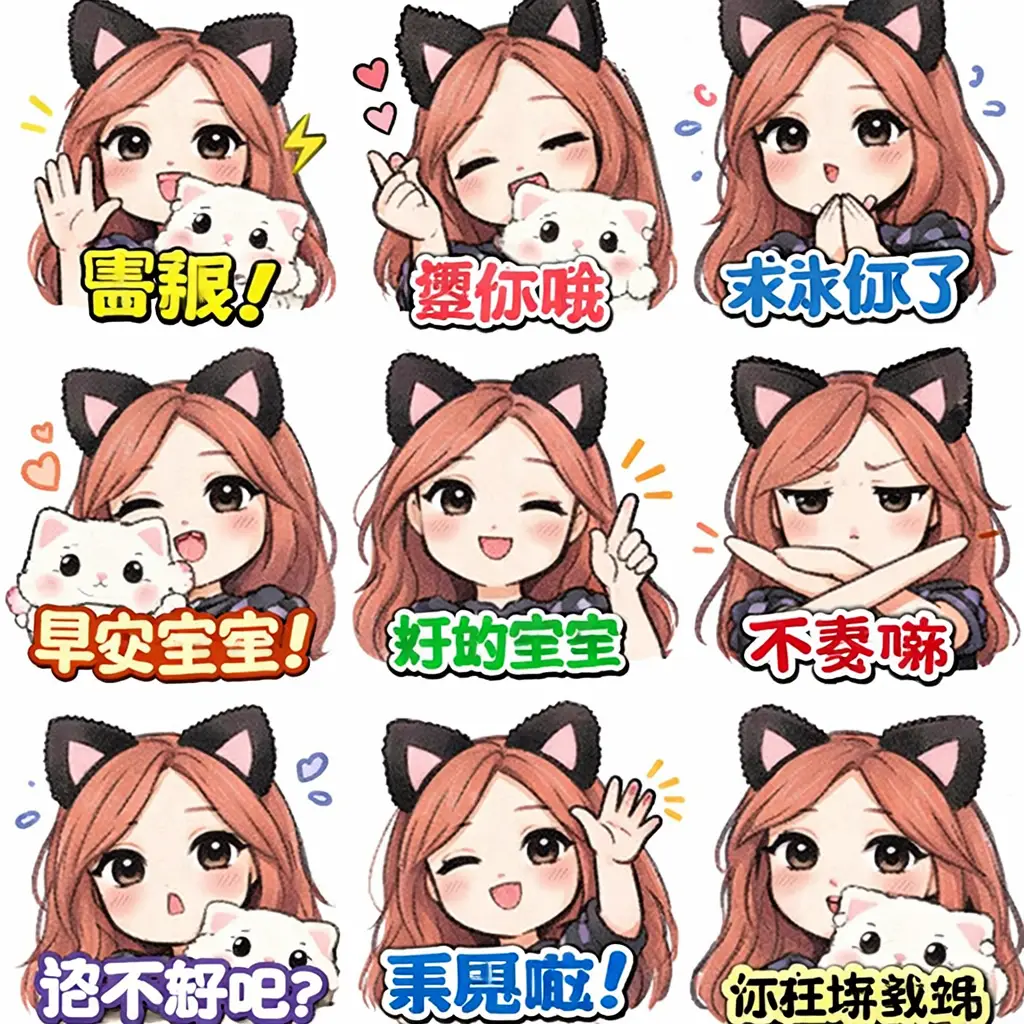
9个手写LINE贴纸9个手写LINE贴纸9个手写LINE贴纸9个手写LINE贴纸
上升
13
开始创作

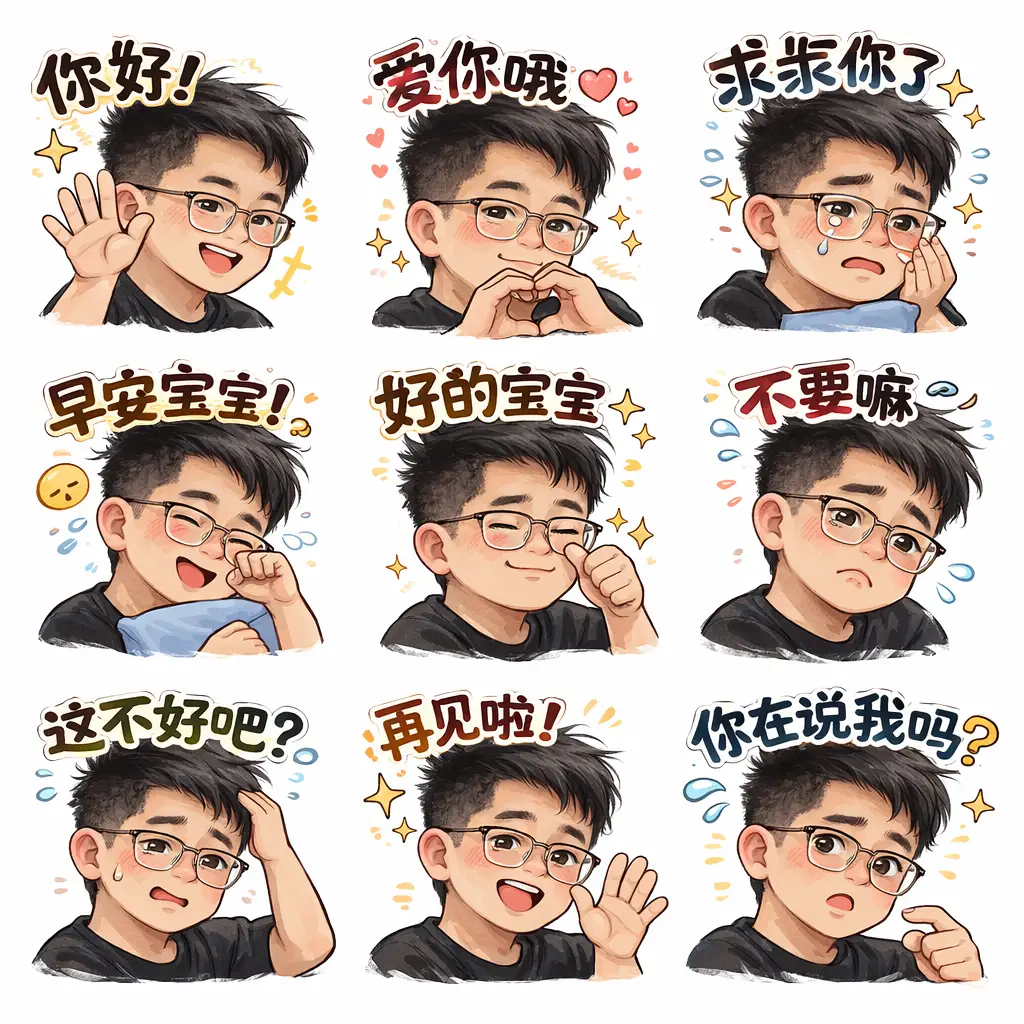
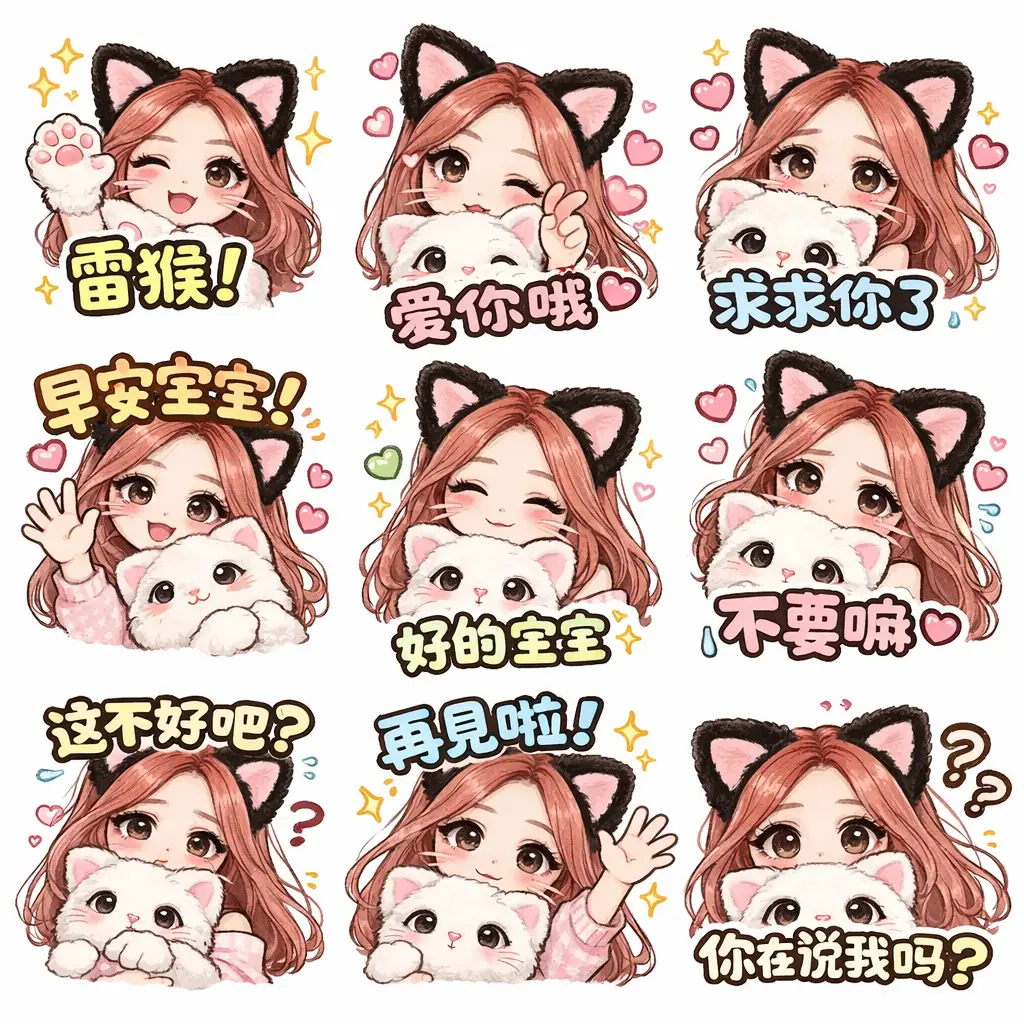
9个手写LINE贴纸

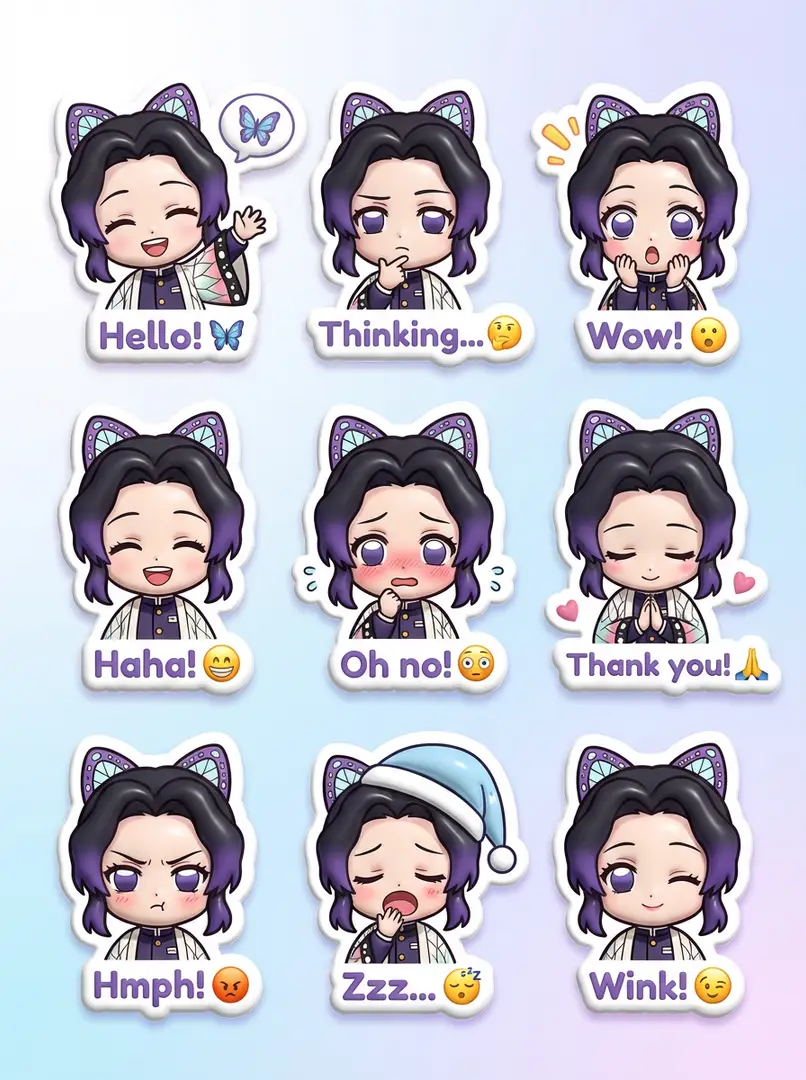
以[图像1]为基础,生成9个具有统一感的手写风格LINE贴纸。保持特征,白背景,粗体文字(白/黑边),并反映自然的表情和姿势。

5mo ago
创作
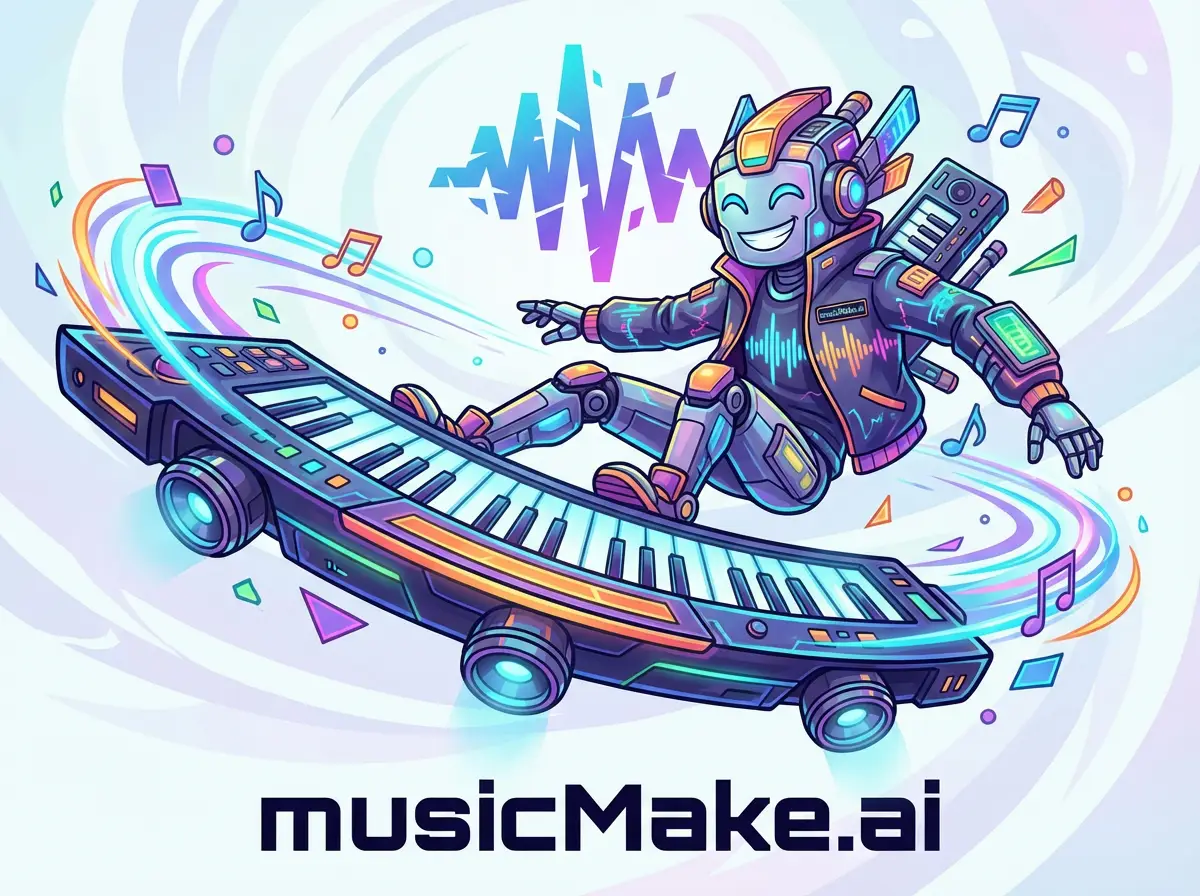
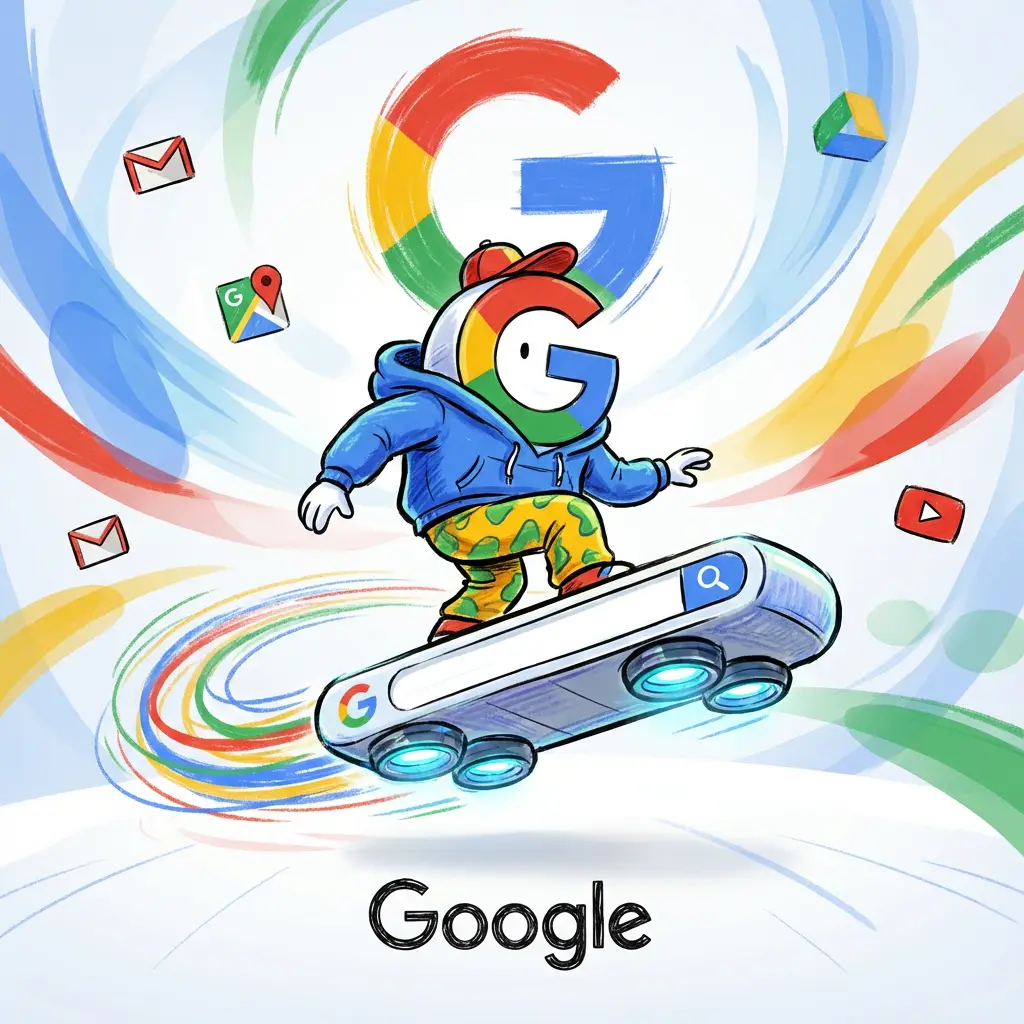
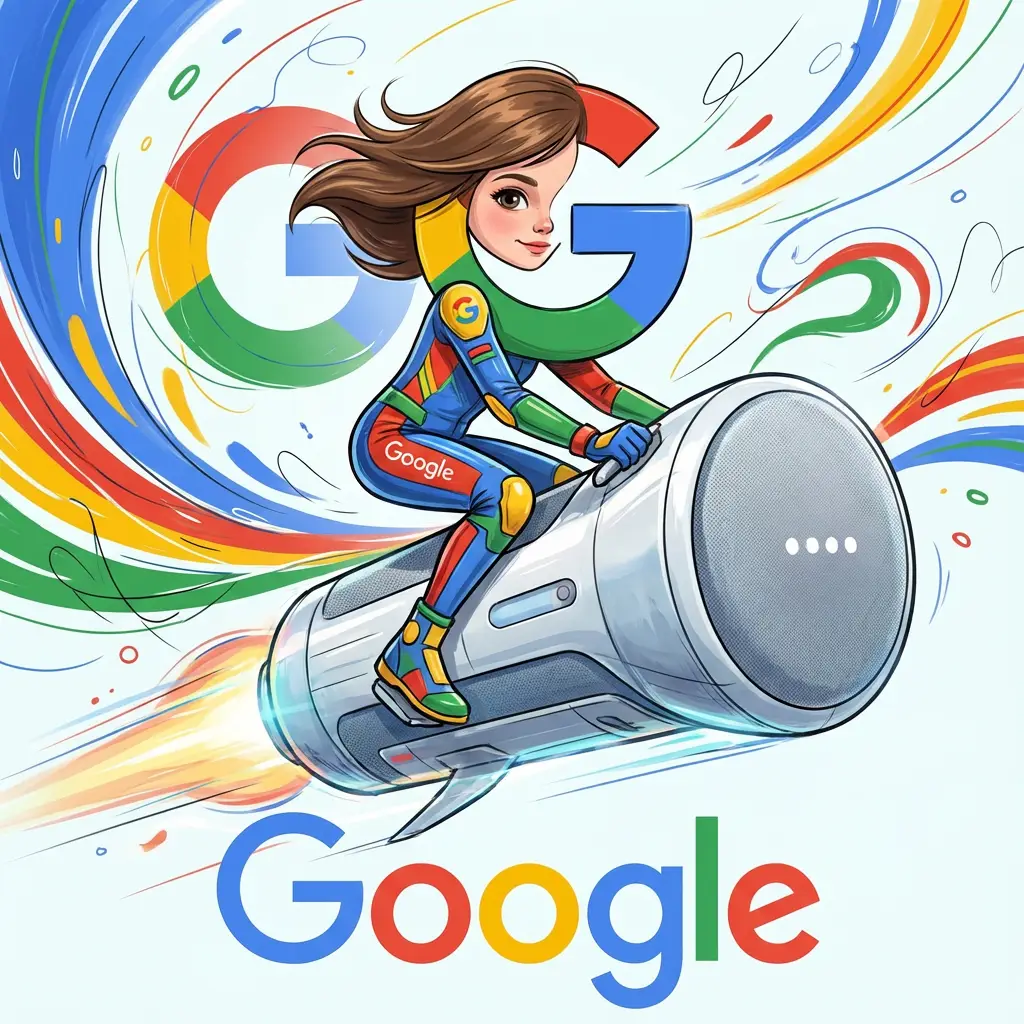
品牌产品角色载具品牌产品角色载具品牌产品角色载具品牌产品角色载具
新品
4
开始创作

品牌产品角色载具

一个外形类似品牌产品的虚构角色,身着带有品牌标识的服装,驾驶一辆超大号品牌产品作为未来感交通工具,风格动感,色彩鲜艳,背景带有抽象品牌标志。

5mo ago
创作
品牌标志月球旗品牌标志月球旗品牌标志月球旗
新品
3
开始创作

品牌标志月球旗

在超写实的NASA风格登月场景中,月球表面上带有纹理的编织旗帜(品牌标志的复刻)呈现自然飘动效果。

5mo ago
创作
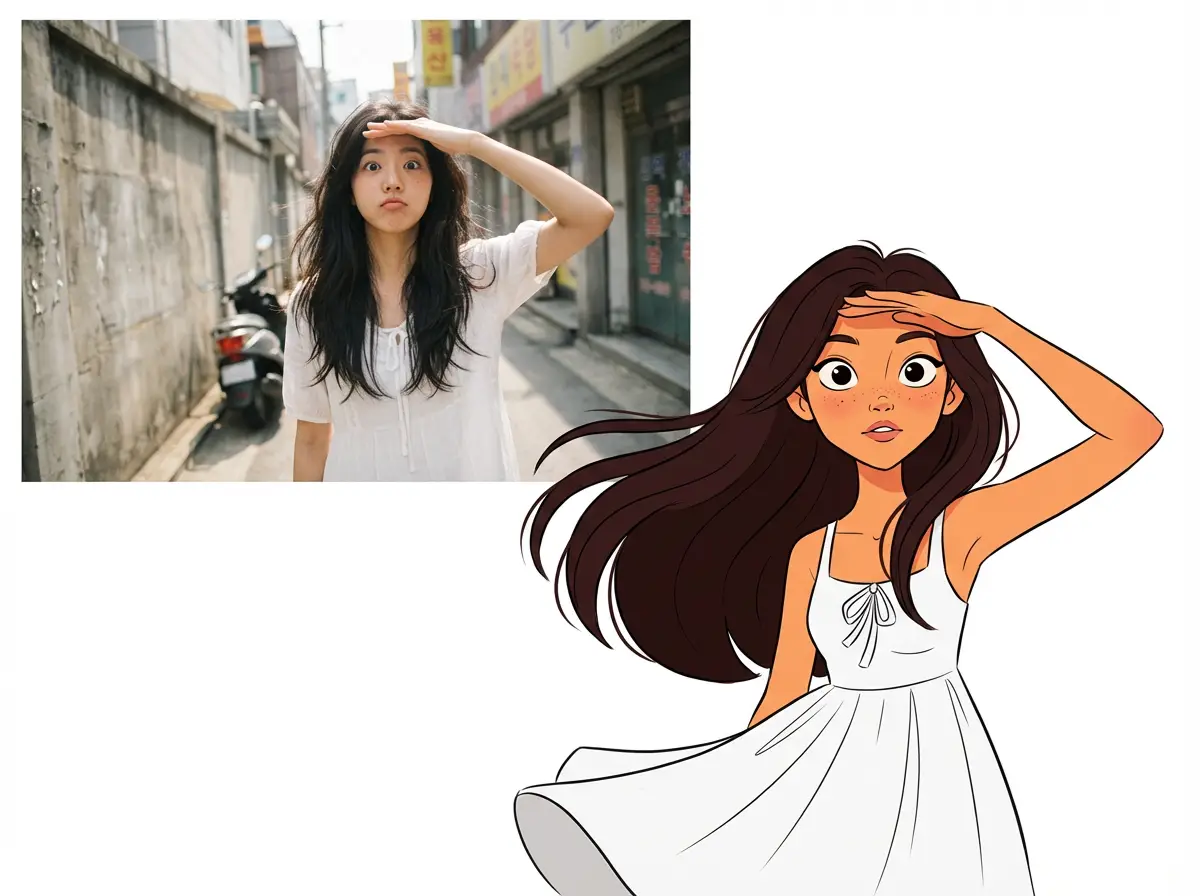
真人动画对照
新品
1
开始创作

真人动画对照

真人与动画人物垂直拼贴,纯白背景留白,突出媒介质感与情绪对比的创意作品。

5mo ago
创作
Matrix Digital Code SceneMatrix Digital Code SceneMatrix Digital Code SceneMatrix Digital Code Scene
新品
4
开始创作

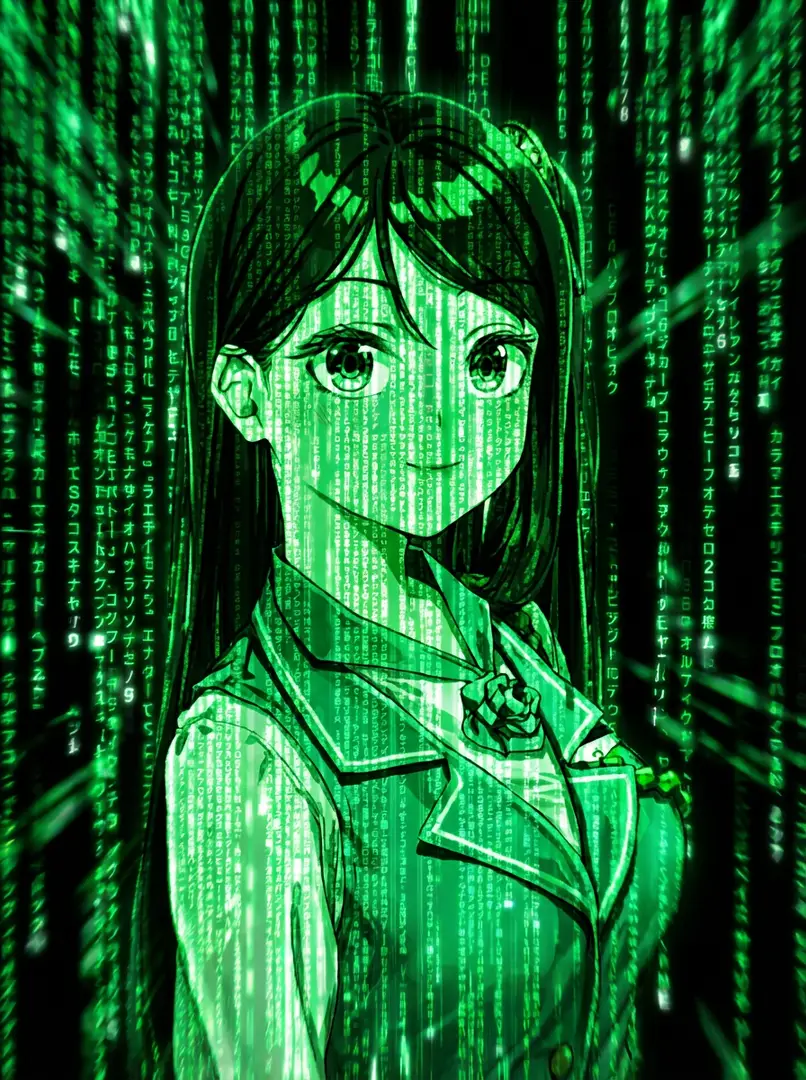
Matrix Digital Code Scene

Cascading neon green code on black backdrop with glowing symbols (katakana, numbers, Latin letters), motion blur, depth, and screen glow for cyberpunk high-tech Matrix atmosphere

5mo ago
创作
1990年代WWF摔跤人偶包装1990年代WWF摔跤人偶包装1990年代WWF摔跤人偶包装1990年代WWF摔跤人偶包装
上升
21
开始创作

1990年代WWF摔跤人偶包装

1990年代风格WWF摔跤人偶包装的产品摄影,展示了一个细节丰富、色彩鲜艳的摔跤手,背景为白色,搭配专业工作室灯光。

5mo ago
创作
粗糙质感Gorillaz风格都市插画粗糙质感Gorillaz风格都市插画
新品
2
开始创作

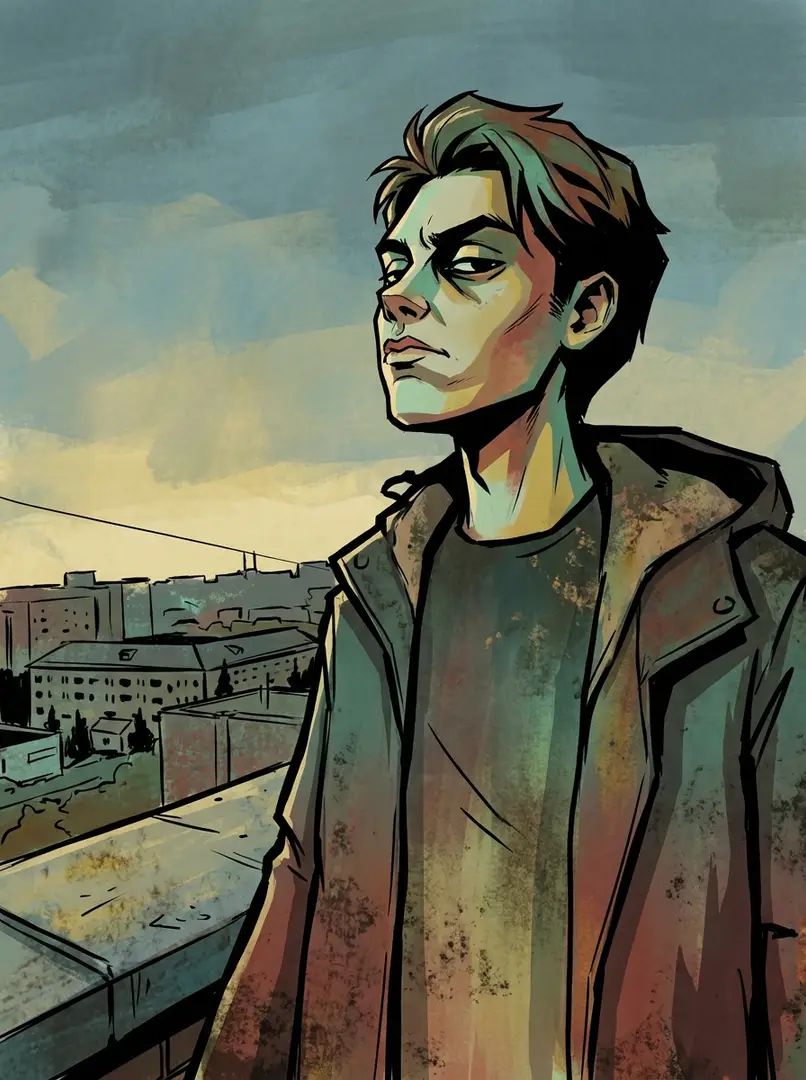
粗糙质感Gorillaz风格都市插画

粗黑轮廓线、尖锐边缘和平涂式富有表现力的光线,定义了这幅粗糙质感的Gorillaz风格插画。柔和的蓝绿色、绿色、红色、黄色和棕色,营造出原始粗犷的都市氛围,兼具漫画书的平涂效果与绘画般的粗糙质感,散发着叛逆气息。

5mo ago
创作
现代UPA卡通风格
新品
1
开始创作

现代UPA卡通风格

以UPA风格为灵感的现代卡通风格插画,采用扁平几何形状、有限的柔和/鲜艳色彩、极简特征及象征性背景,唤起1950-60年代动画风格。

5mo ago
创作
复古日式搞笑漫画插画
新品
1
开始创作

复古日式搞笑漫画插画

高对比度黑白风格的日式搞笑漫画,具有粗线条、网点阴影、夸张表情、卡通化比例、动态动作线及复古80-90年代漫画美学。

5mo ago
创作
海滩活力城市胶囊海滩活力城市胶囊海滩活力城市胶囊
新品
3
开始创作

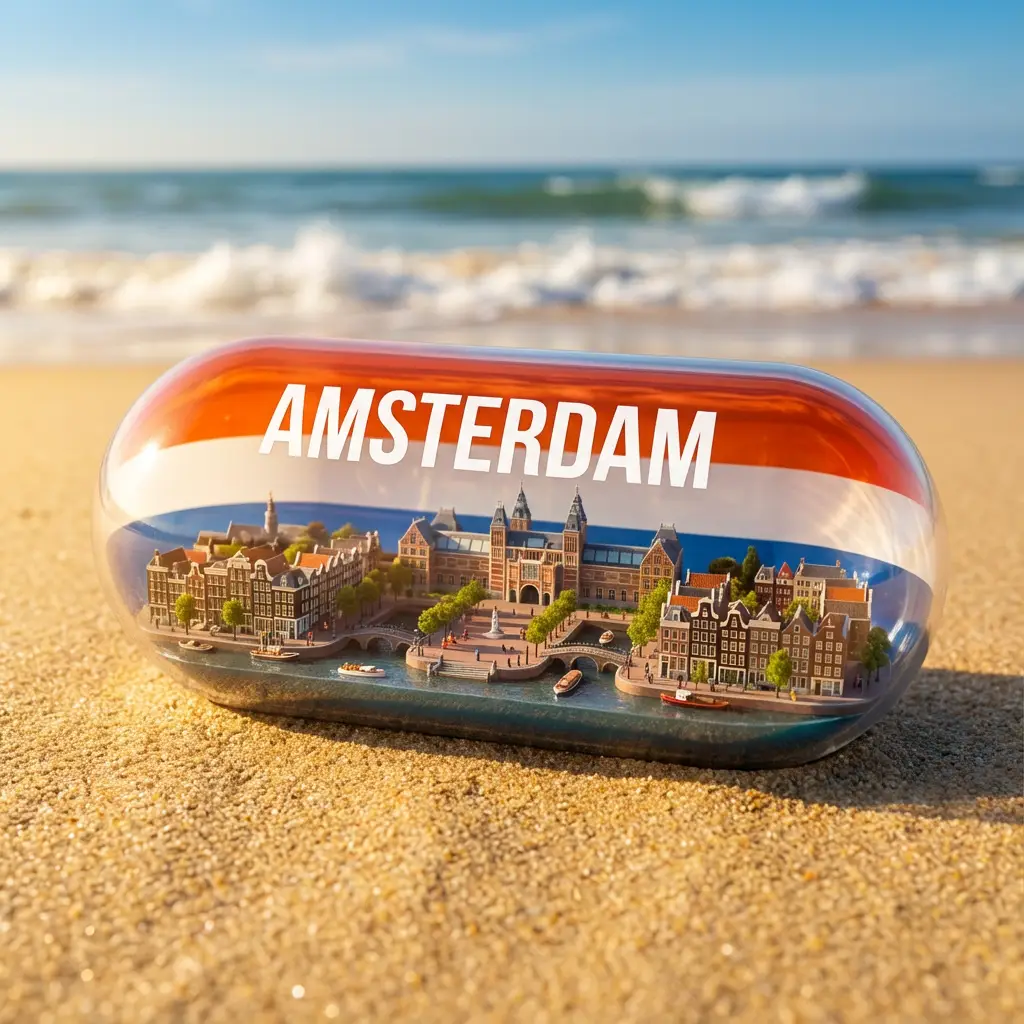
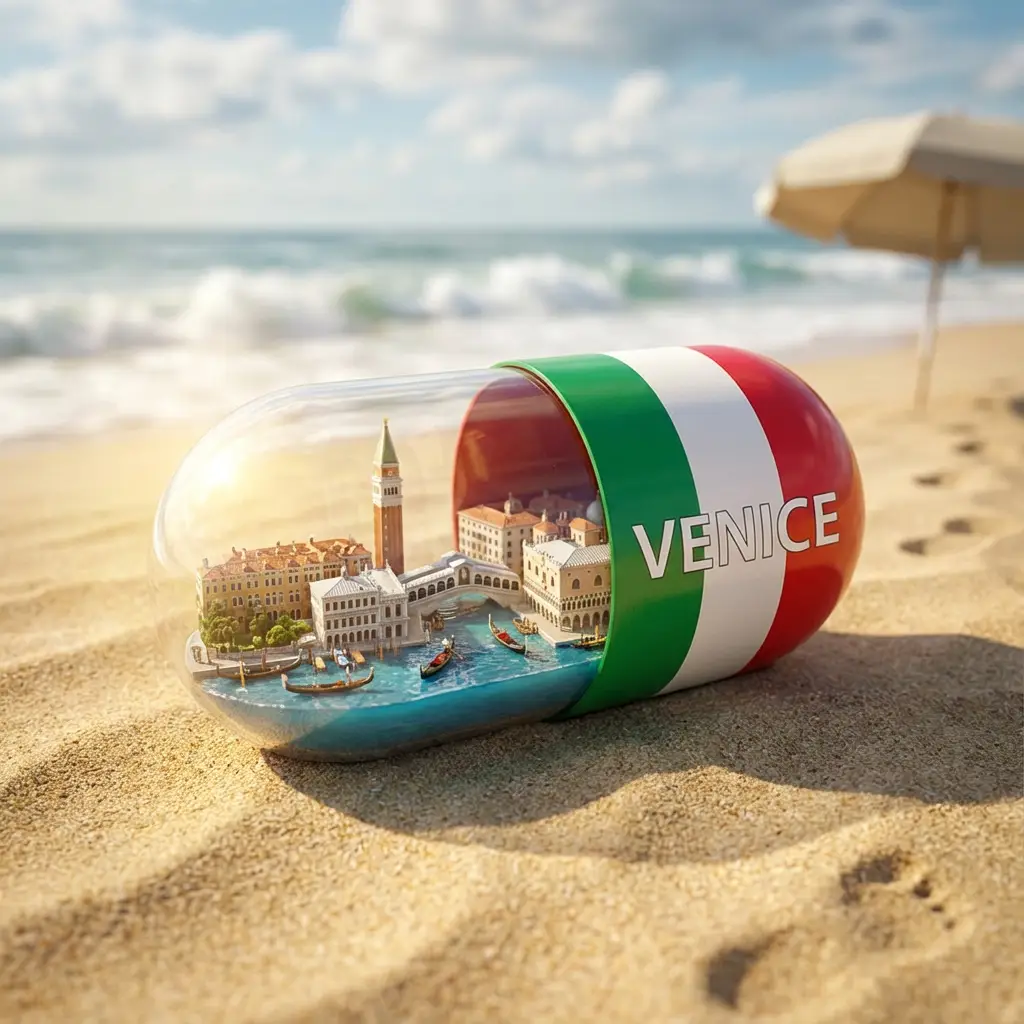
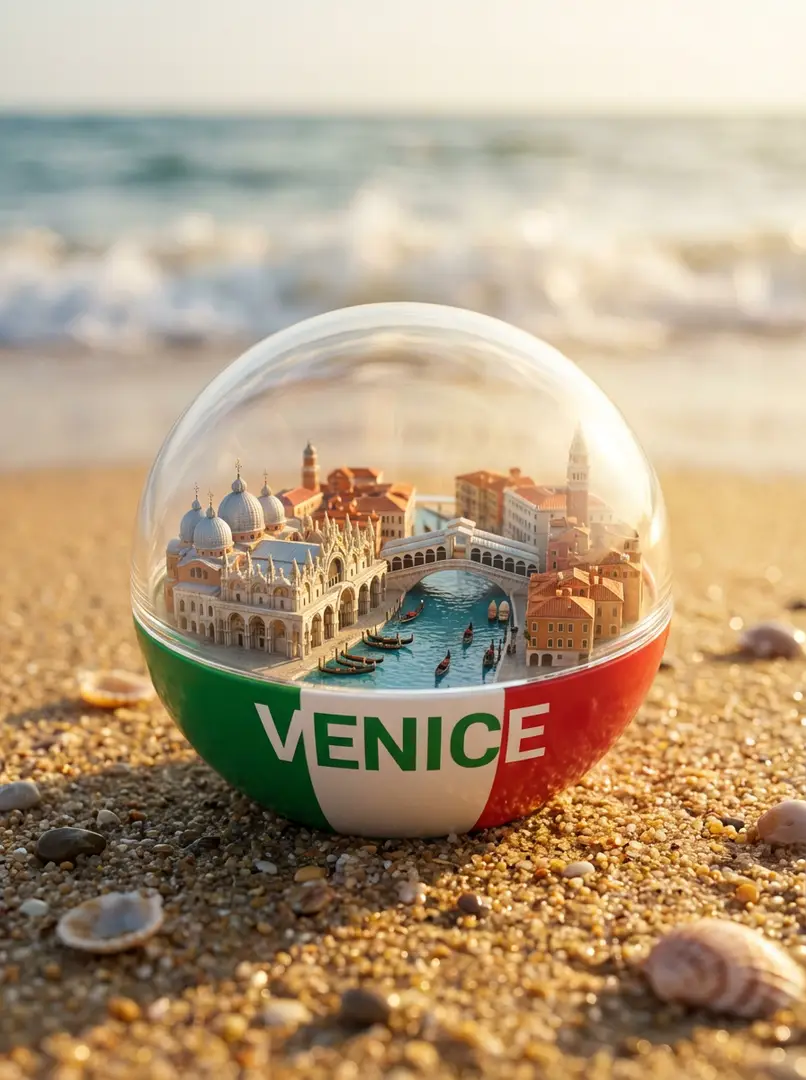
海滩活力城市胶囊

沙滩上透明胶囊内的一座充满活力的超写实微型城市,一半为[颜色](匹配[国家]国旗),带有[城市]文字、标志性建筑、运河/街道、船只/汽车、阳光照明、电影级景深及海浪。

5mo ago
创作
可爱Q版贴纸包可爱Q版贴纸包
新品
2
开始创作

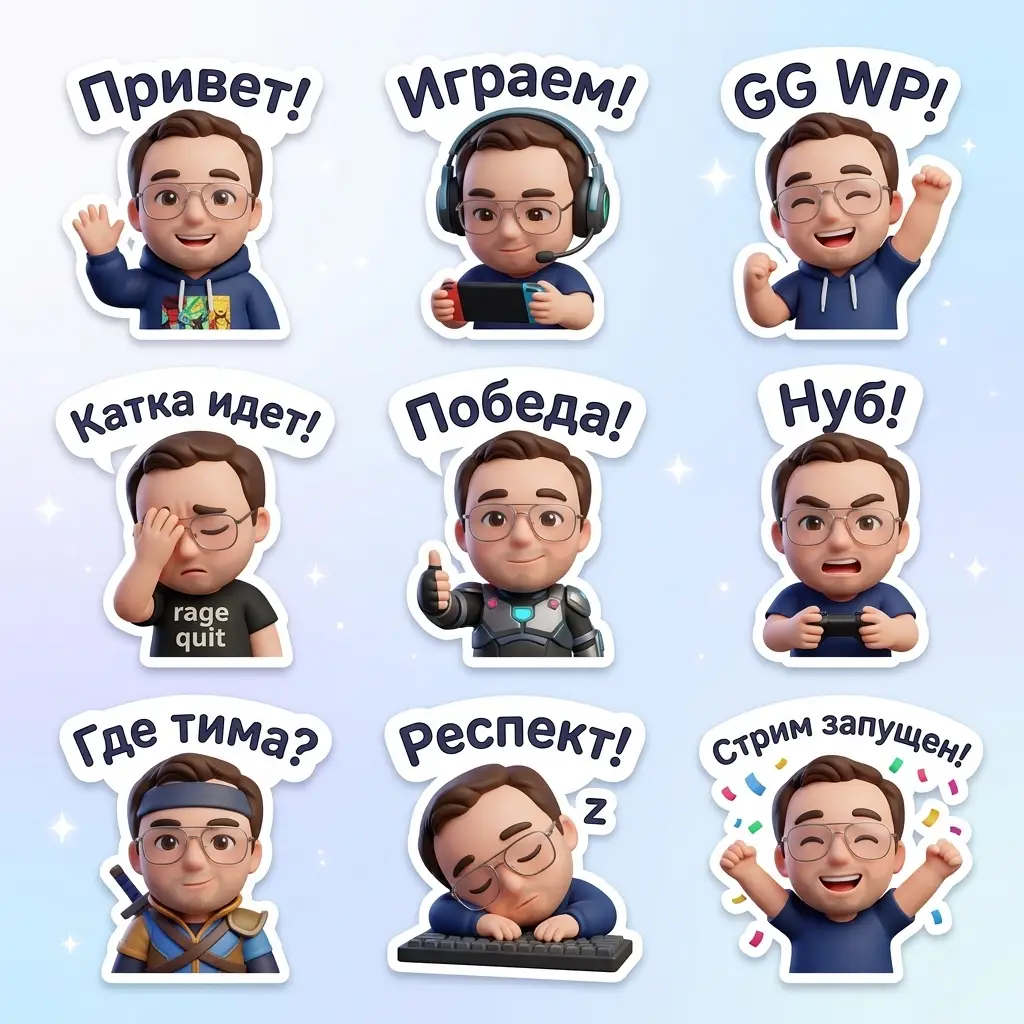
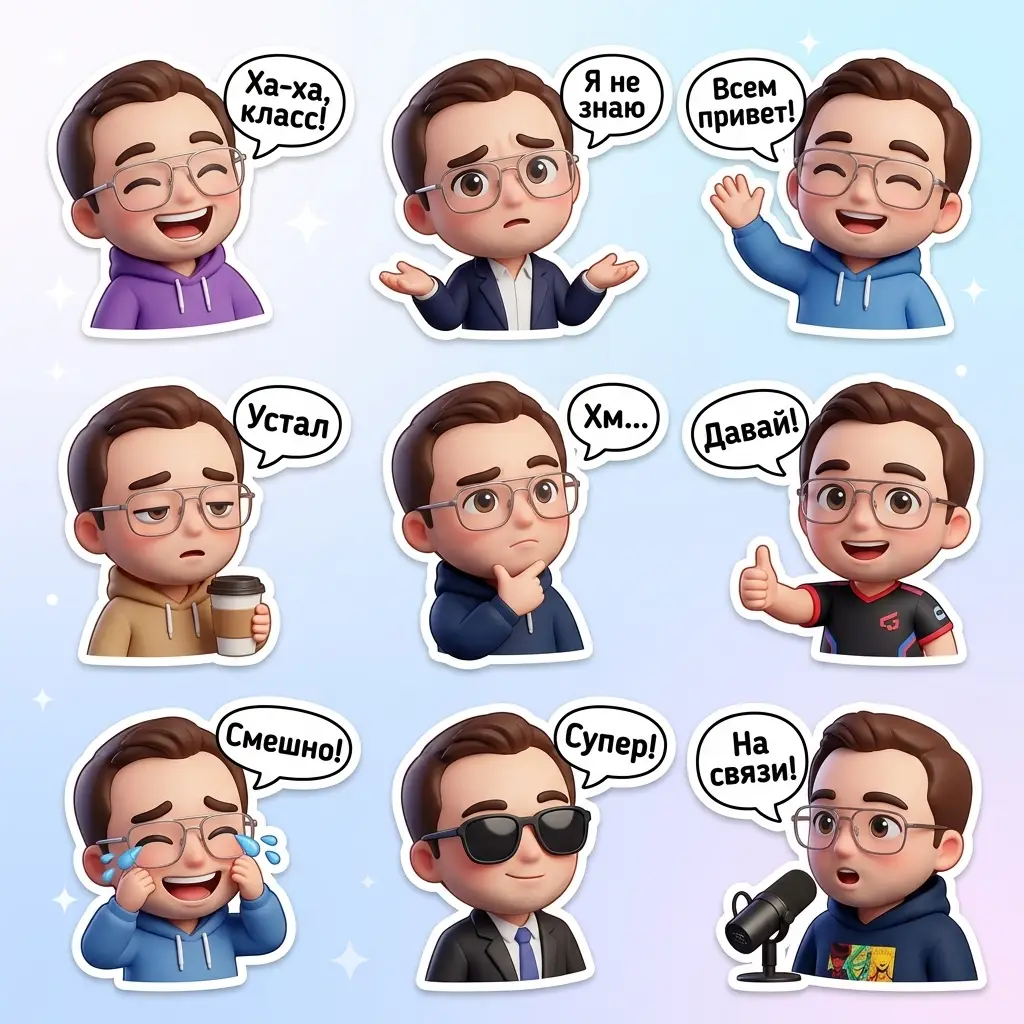
可爱Q版贴纸包

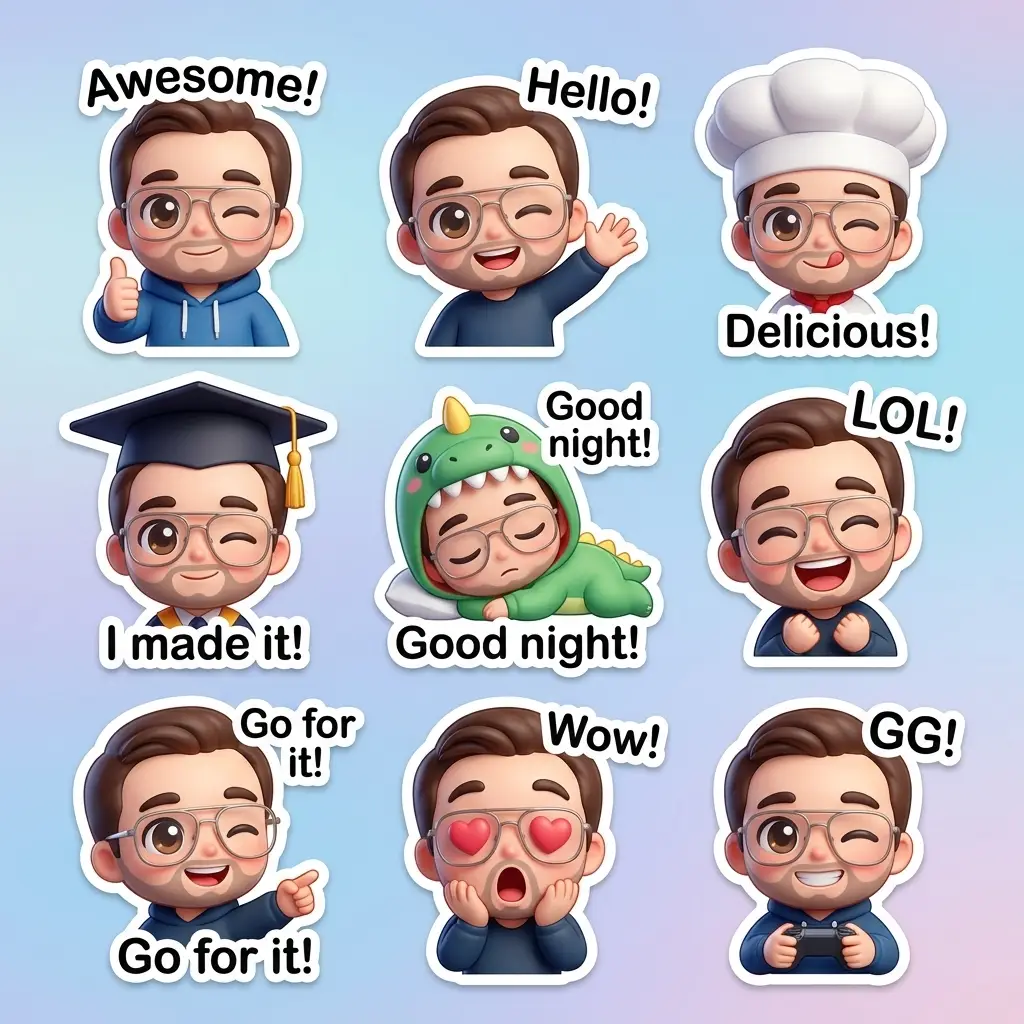
3D可爱贴纸包,包含九个Q版角色,身着不同服装、摆出不同姿势、呈现不同表情。每个角色都带有白色边框和带文字的对话框,背景为柔和的白色到淡蓝色渐变,营造出有趣、积极的WhatsApp氛围。

5mo ago
创作
俏皮数字卡通肖像
新品
1
开始创作

俏皮数字卡通肖像

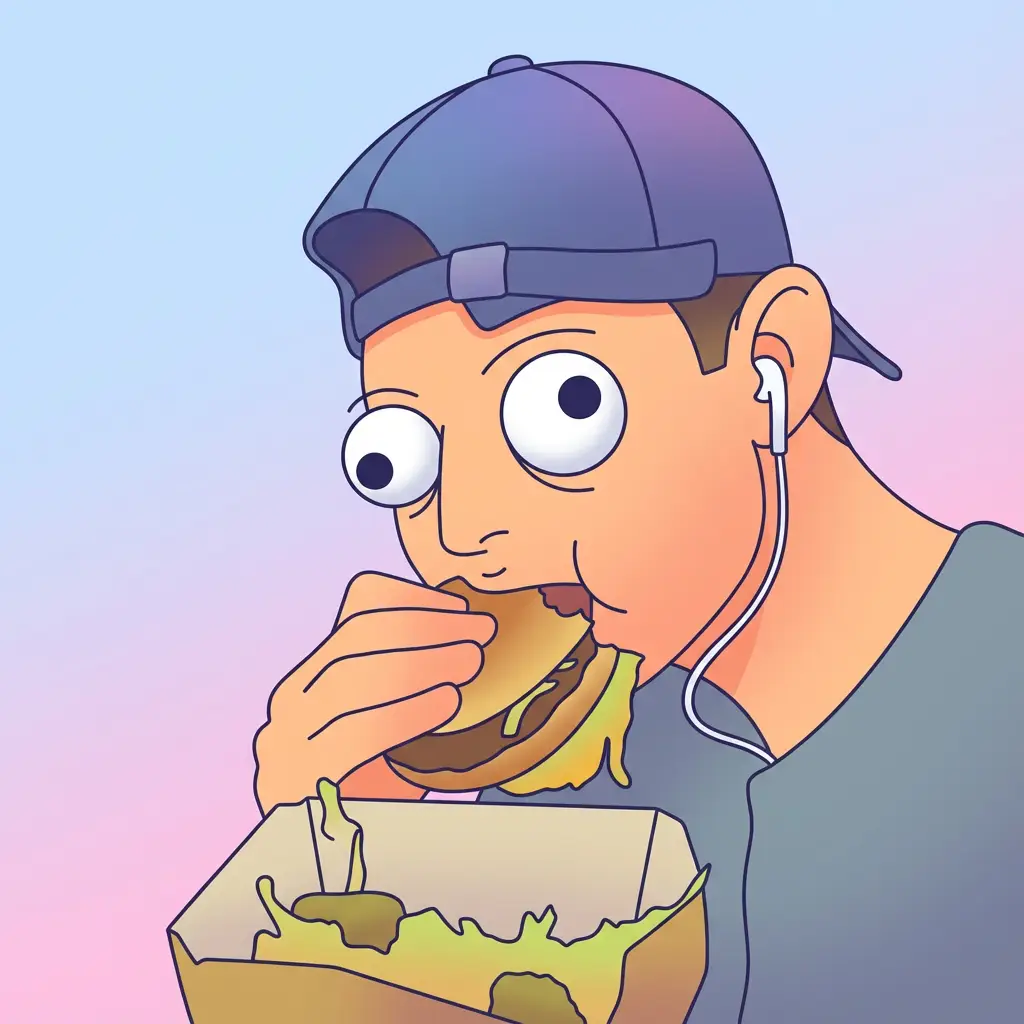
半身数字卡通肖像,采用俏皮矢量风格,线条简洁,圆润脸型,超大圆眼,平滑渐变填充,方形构图。

5mo ago
创作
多彩冰雕艺术
新品
1
开始创作

多彩冰雕艺术

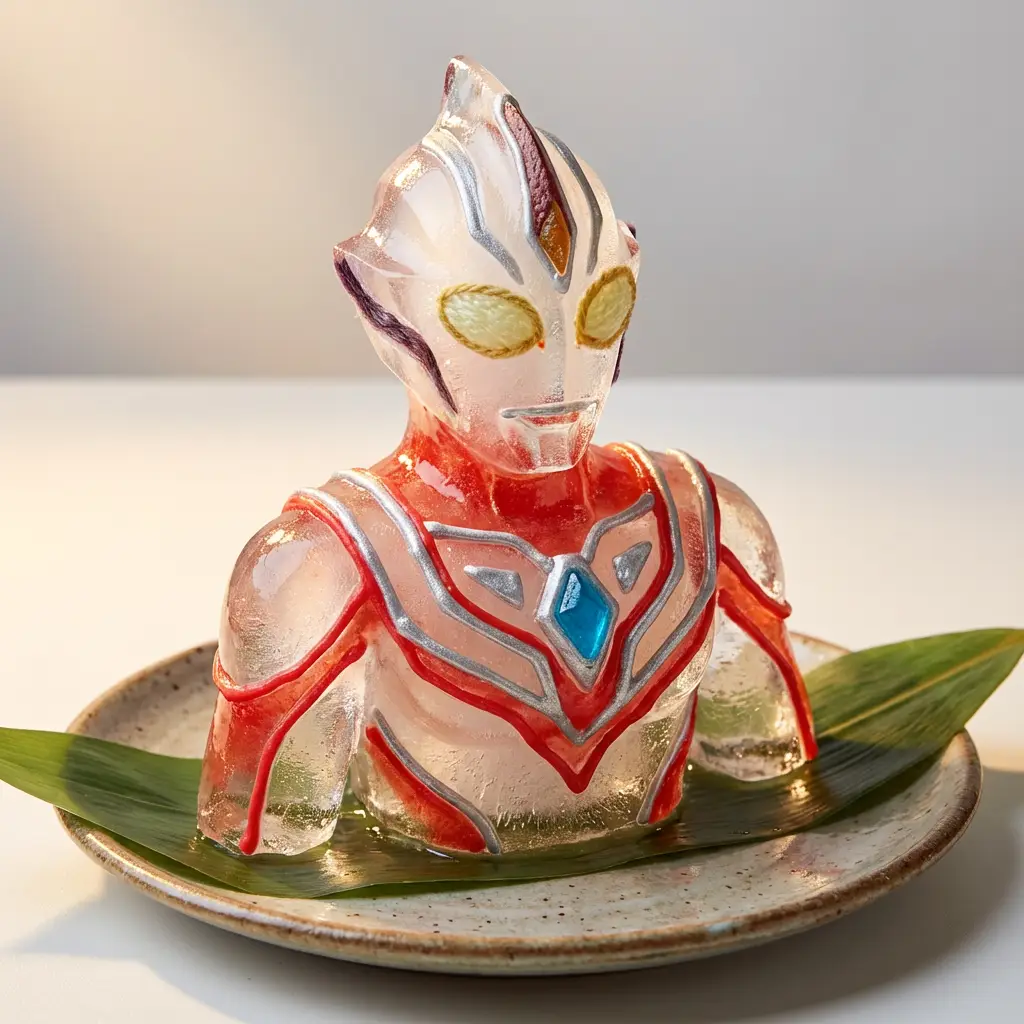
一件色彩丰富的手工冰雕,造型独特,以糖霜、糖果或水果皮点缀,放置在陶瓷盘上,背景柔和照明,将食品艺术与玩具设计融合成趣味艺术。

5mo ago
创作
悬浮水涡产品悬浮水涡产品悬浮水涡产品
新品
3
开始创作

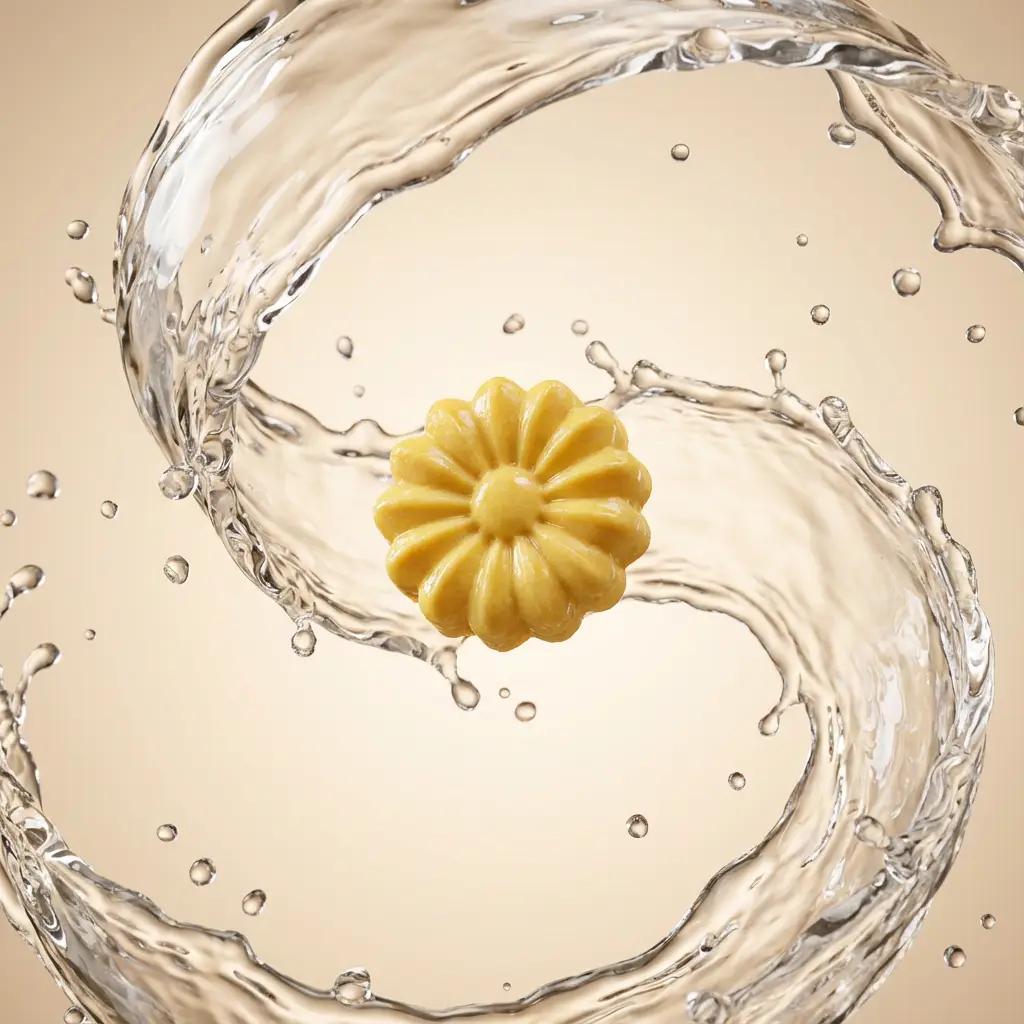
悬浮水涡产品

摄影棚打光的产品悬浮于空中,伴有浓密动态的水漩涡、晶莹剔透的水滴,表面高光泽,在简约渐变背景上采用电影感打光。

5mo ago
创作
超现实奇幻梦境
新品
1
开始创作

超现实奇幻梦境

一幅超现实插画,带有异想天开、如梦似幻的氛围,以柔和色调、柔和空灵的光线、油画质感和夸张的表情特征为特点,营造出宁静却诡异的氛围。

5mo ago
创作
几何动物纸艺肖像
新品
2
开始创作

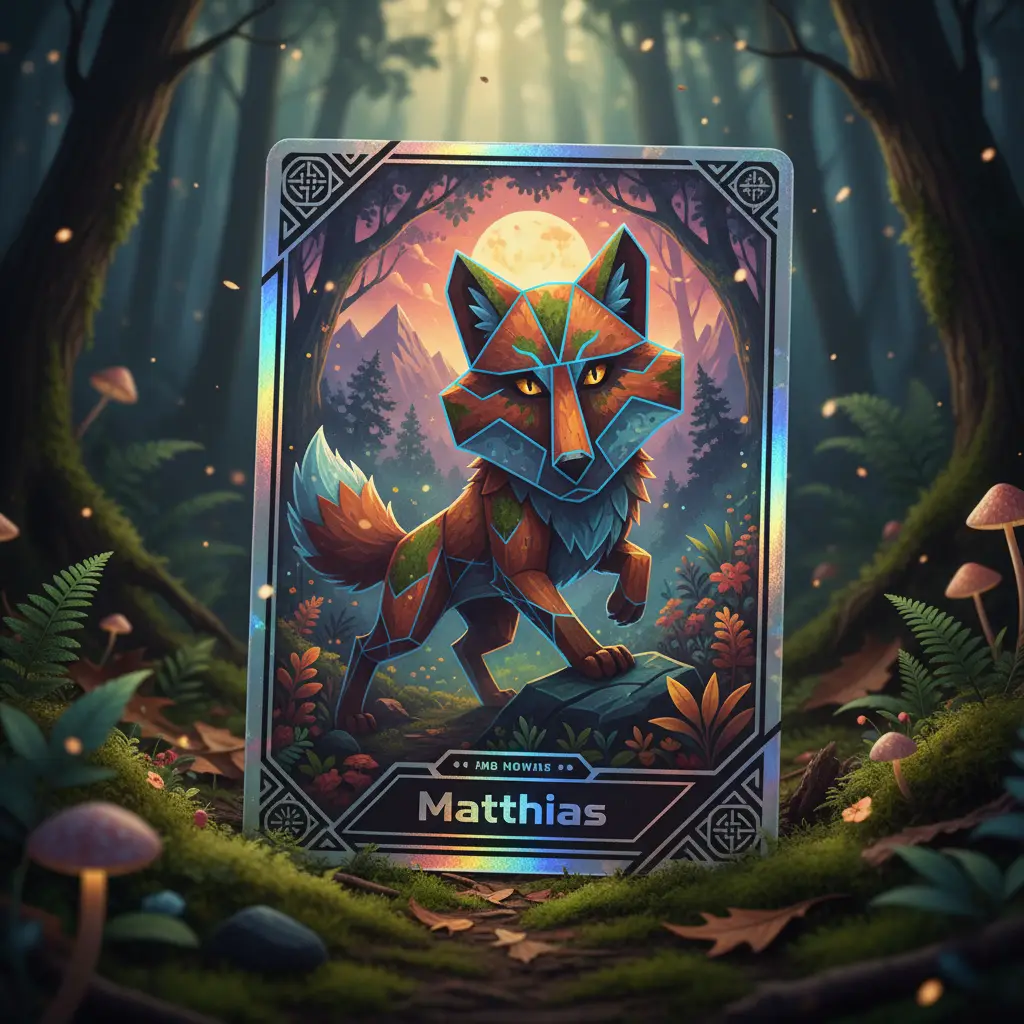
几何动物纸艺肖像

以当代纸拼贴风格制作的几何动物头部肖像,具有重叠纹理、阴影层次感、植物色系配色,以及大胆的棱角切割,背景为极简渐变。

5mo ago
创作
鱼眼特写自拍
新品
1
开始创作

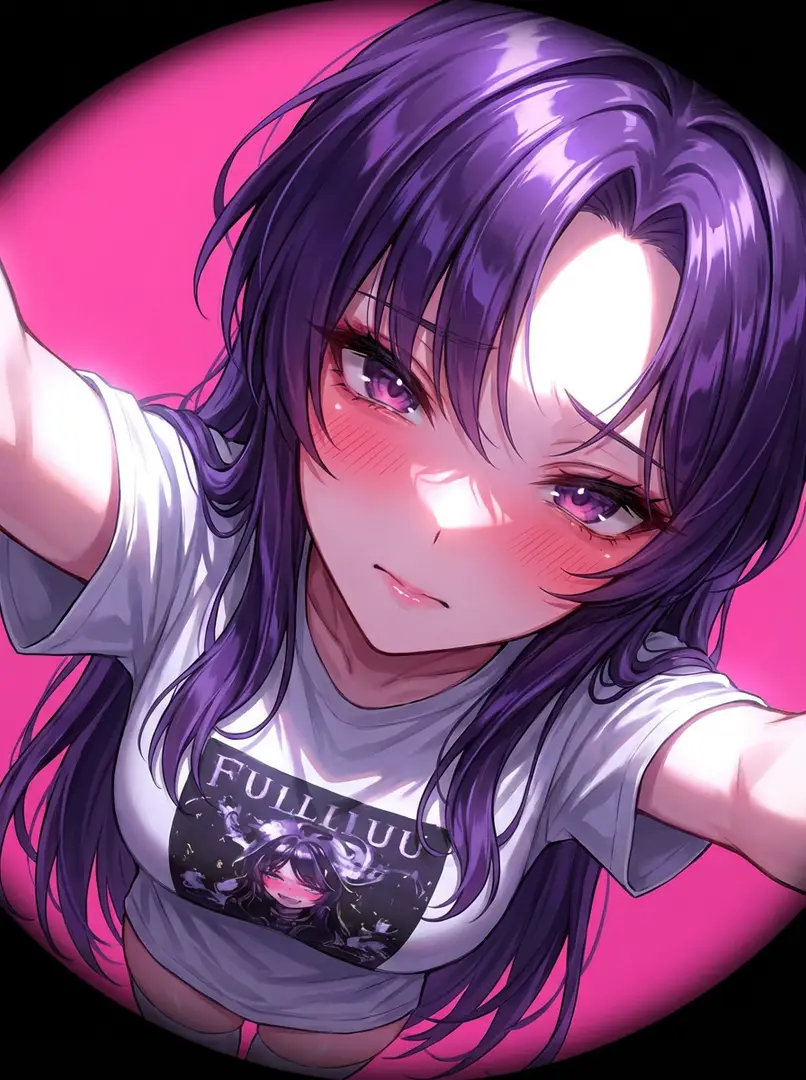
鱼眼特写自拍

极端特写自拍肖像,亲密呈现上身至脸部的构图,于一臂距离内拍摄,采用鱼眼镜头、斜角、强光及第一人称视角,无背景虚化。

5mo ago
创作
浮动玻璃霓虹重纹理浮动玻璃霓虹重纹理
新品
3
开始创作

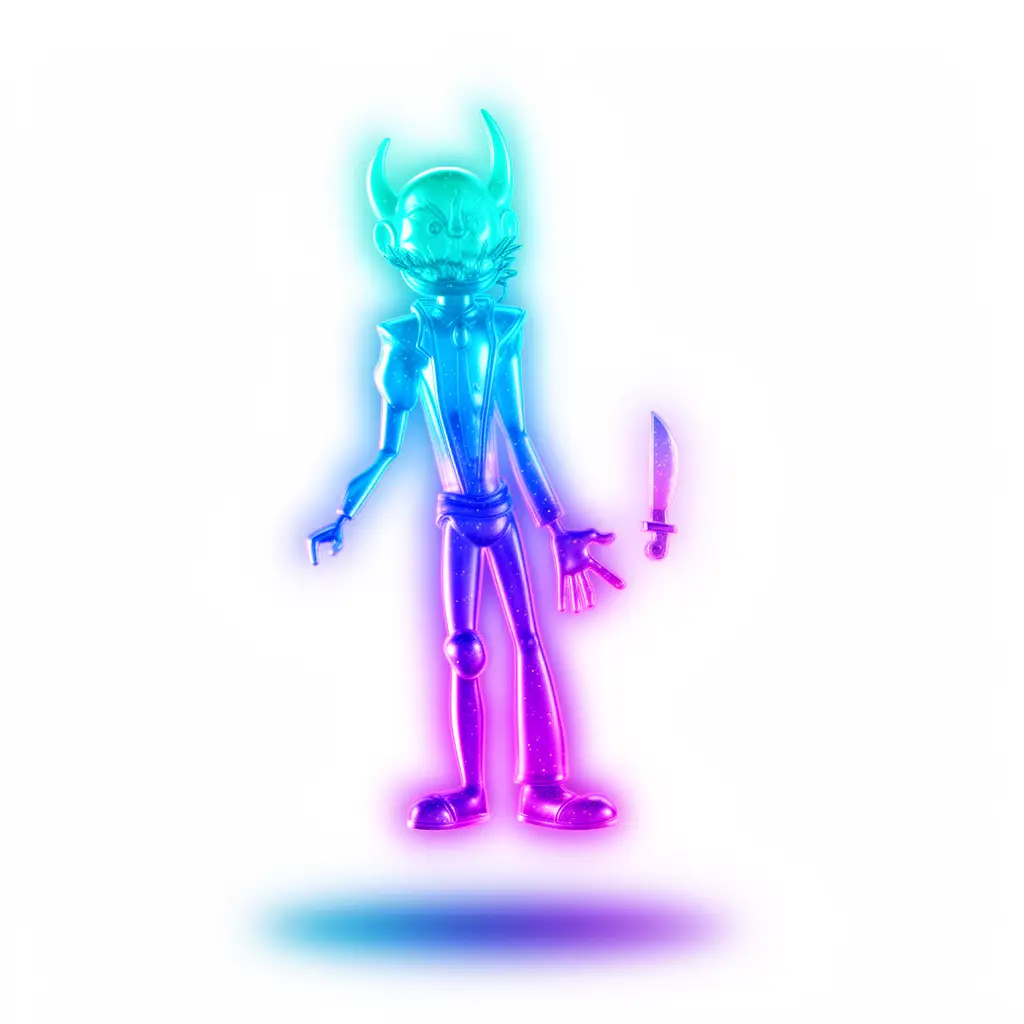
浮动玻璃霓虹重纹理

使用半透明霓虹玻璃凝胶材质、柔和发光边缘、水蓝-蓝紫渐变及柔光箱HDRI照明,对图像进行重新纹理化,以营造浮动3D效果。

5mo ago
创作